WordPress Admin Cleaner Gets Three Powerful New Features
Managing WordPress websites just got easier. The latest update to WordPress Admin Cleaner ships three new tools that give developers and agencies more control over the admin interface — and make it far more intuitive for clients.
Here's what's new.
1. Menu Rename
The WordPress admin menu uses generic labels like Posts, Pages, and Comments — labels that often confuse clients unfamiliar with CMS terminology.
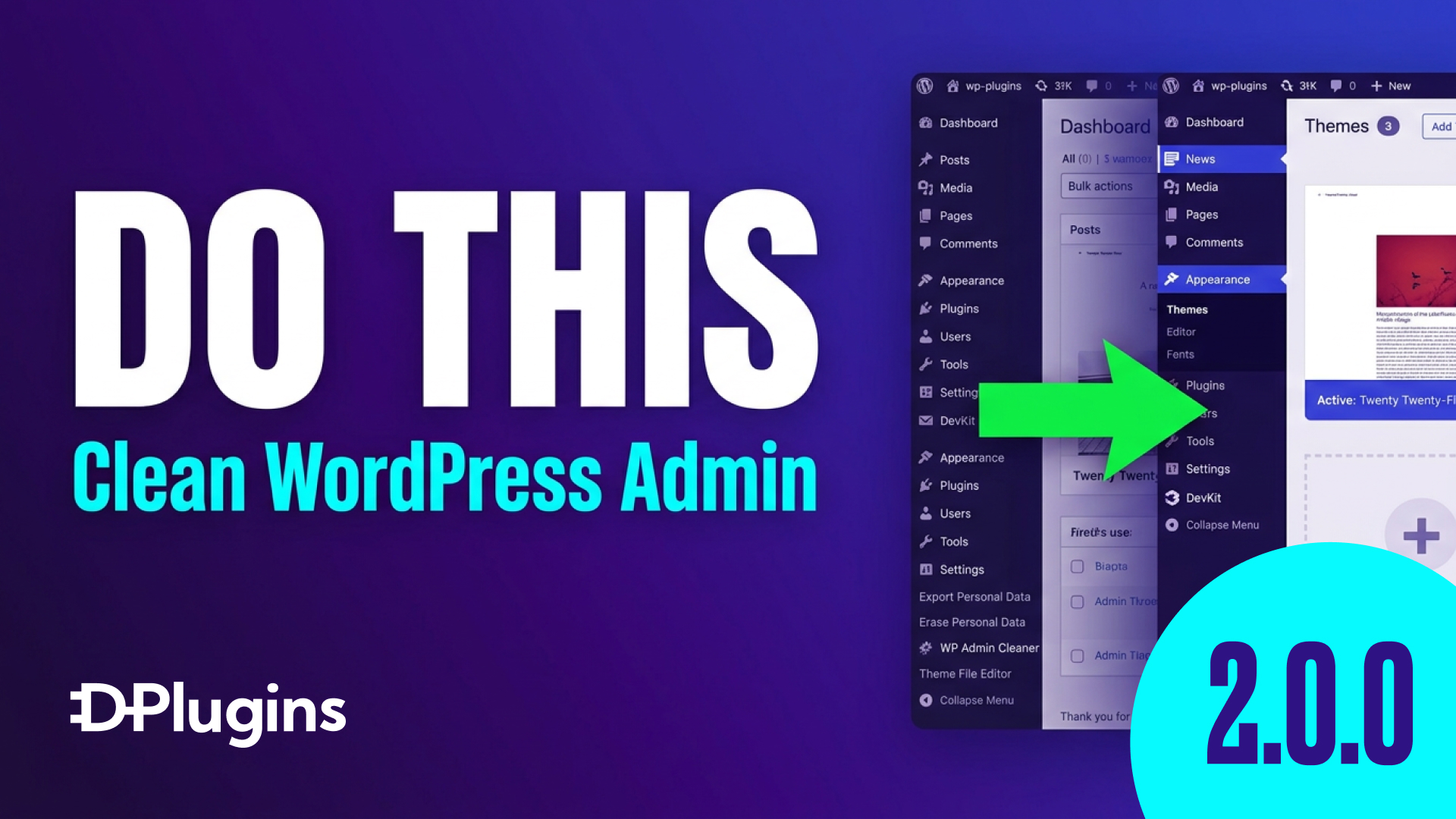
Menu Rename lets you change those labels to match your project. Turn Posts into News, Articles, or Updates. Swap in a custom icon. The result is an admin panel that speaks the client's language instead of WordPress's.
No custom PHP. No filter hooks. Just a settings screen.
2. Role Manager
WordPress ships with a fixed set of user roles: Administrator, Editor, Author, Contributor, Subscriber. That set rarely fits real-world projects cleanly.
Role Manager closes that gap:
- Create custom roles with a name and auto-generated slug
- Clone an existing role as a starting point, then adjust
- Fine-tune capabilities to match exactly what each user type should be able to do
Whether you're building a membership site, a multi-author publication, or a client portal with restricted access, you can now define roles without reaching for a separate plugin or writing capability arrays by hand.
3. Admin Columns
The default list tables in WordPress — for posts, pages, custom post types — often hide useful data and show columns nobody needs.
Admin Columns lets you:
- Rename column headers to something meaningful
- Adjust column widths for a cleaner layout
- Add missing columns like Post ID and Featured Image — two that WordPress oddly omits by default
The result is a list view that's actually usable: less scrolling, less guessing, more of the information that matters visible at a glance.
Who This Is For
These three features target the same problem from different angles: the gap between what WordPress ships with and what real client projects need.
If you're a developer handing off a site, a freelancer managing multiple client dashboards, or an agency standardizing admin setups across projects — this update removes friction that previously required custom code or multiple plugins.
Try It
See the full feature walkthrough in the video below:
https://www.youtube.com/watch?v=BYVb16wYQww
What feature would you like to see next? Drop a suggestion in the comments — future releases are shaped by what developers actually need.