
Performance
We have split App pages into admin pages for much smaller code load.
New pages:
- Editor
- Blocks Visiblity
- Manage Groups
- Export
- Import
- Ai Settings
- Licence
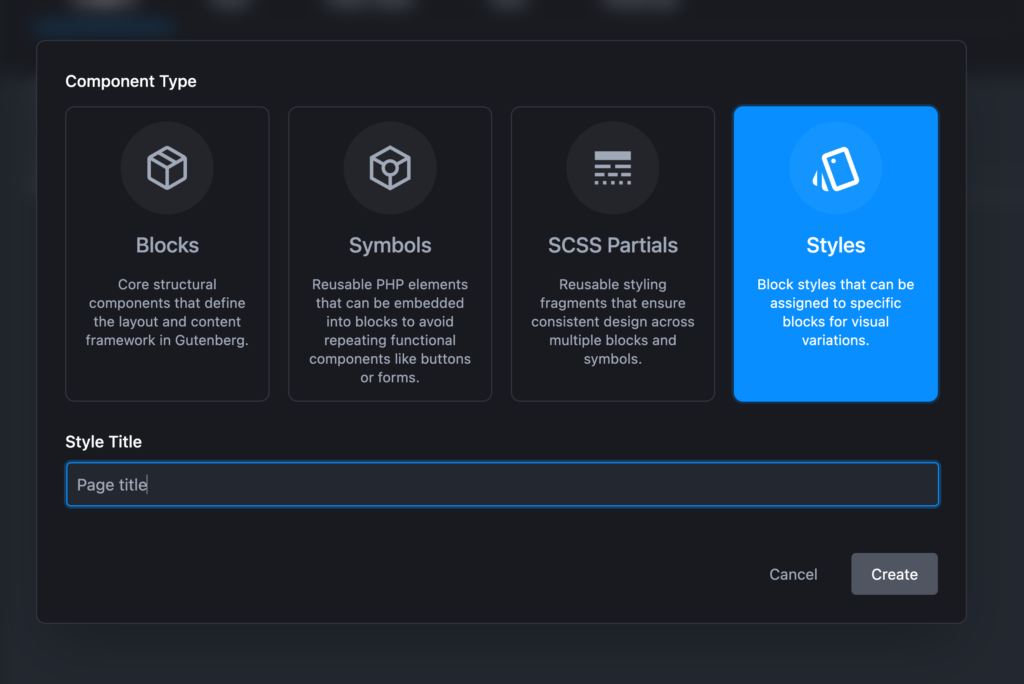
Register Styles
New blocks under Add new
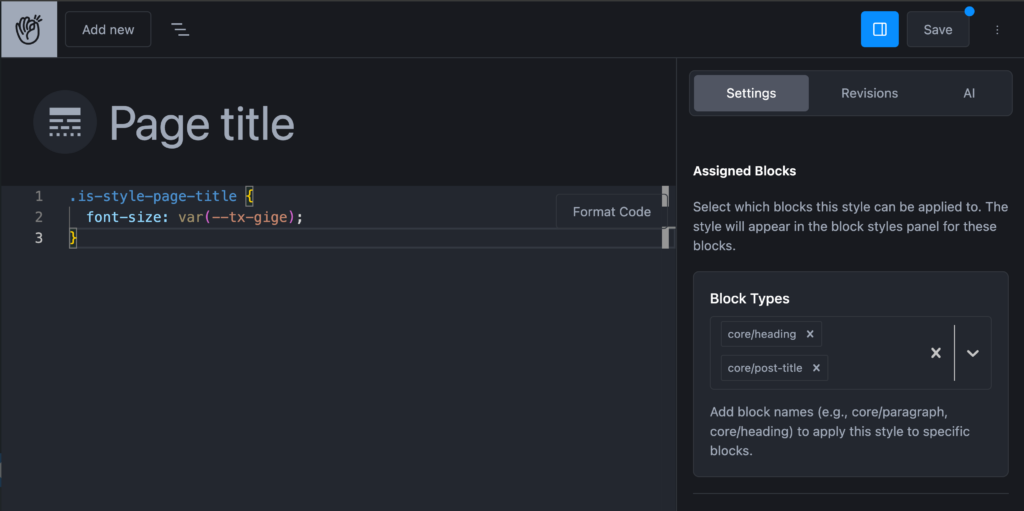
You can apply it to multiple blocks. In this case we are adding it to Hedings and Post Title
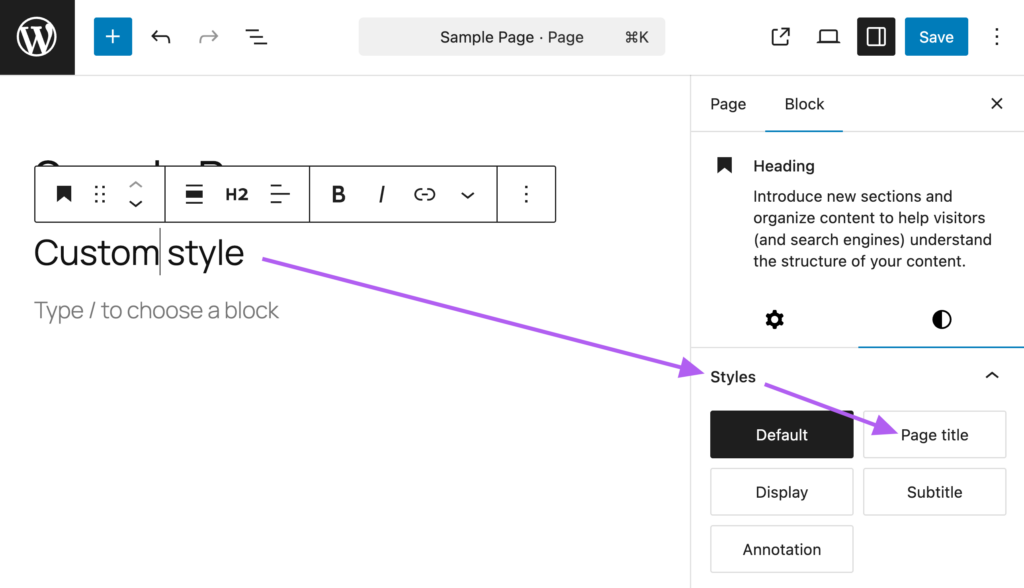
Once saved it will be available under styles in blocks settings
Ai Integration
- Ollama ( Local setup)
- Open Ai
- Claude
For each integration you will get tab to add api key.
Ai integration manage PHP ( Content ) , Styles, View and also it can create attributes fields and set up defaults.
Set default integration
From the first screen
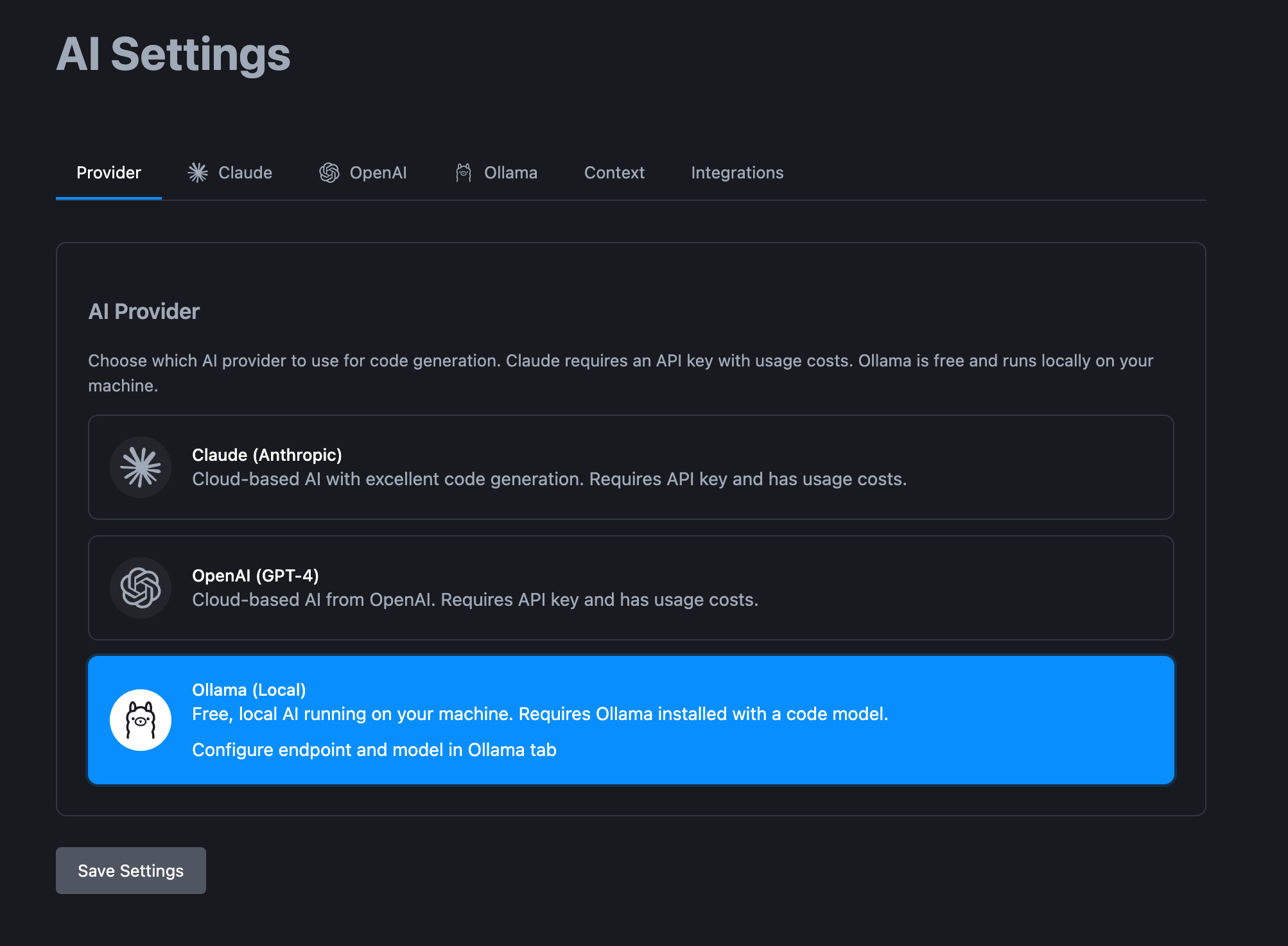
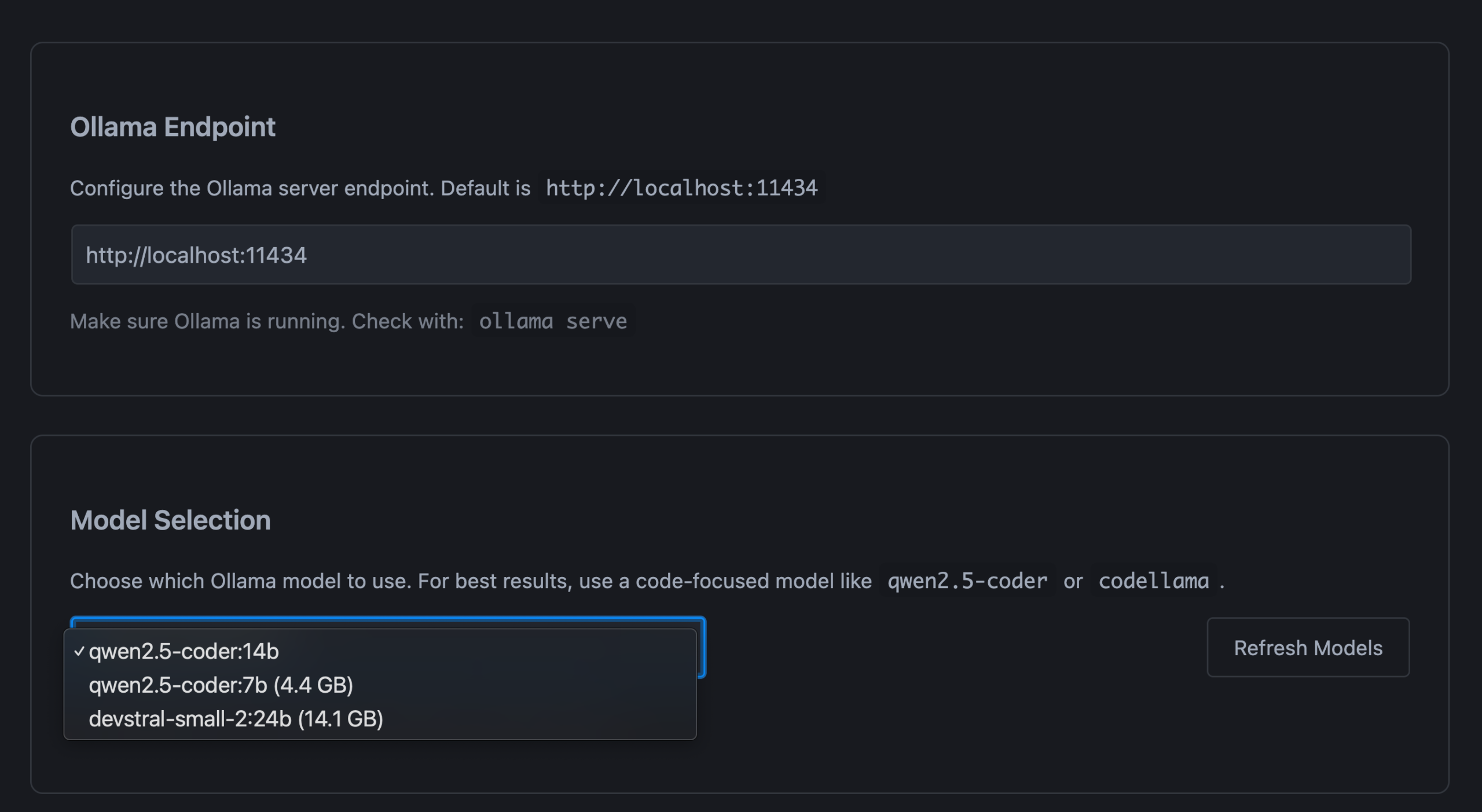
Ollama
For Ollama you only need to add Endpoint in case you have changed default. You can choose also models
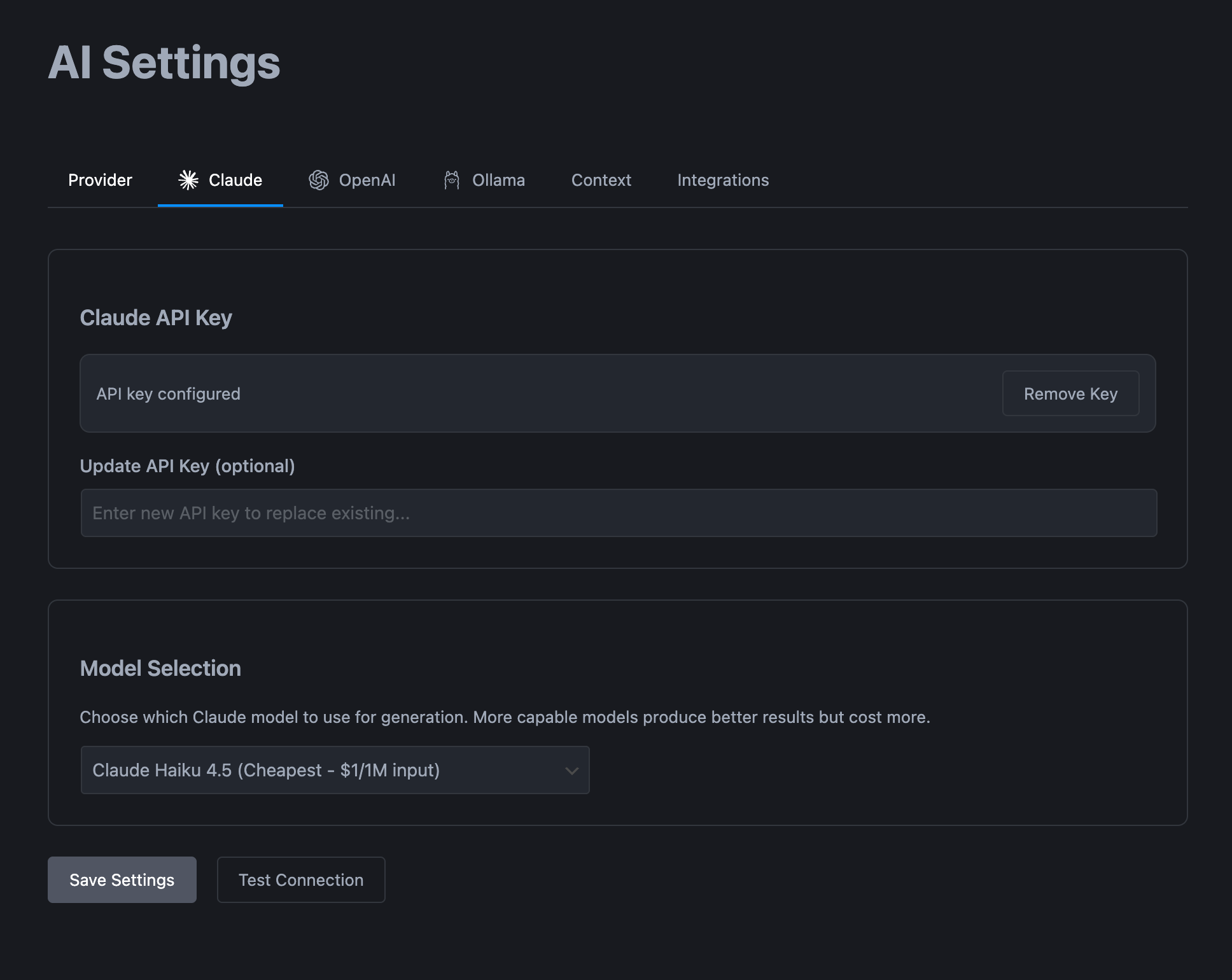
Claude
You can add API key and choose default model
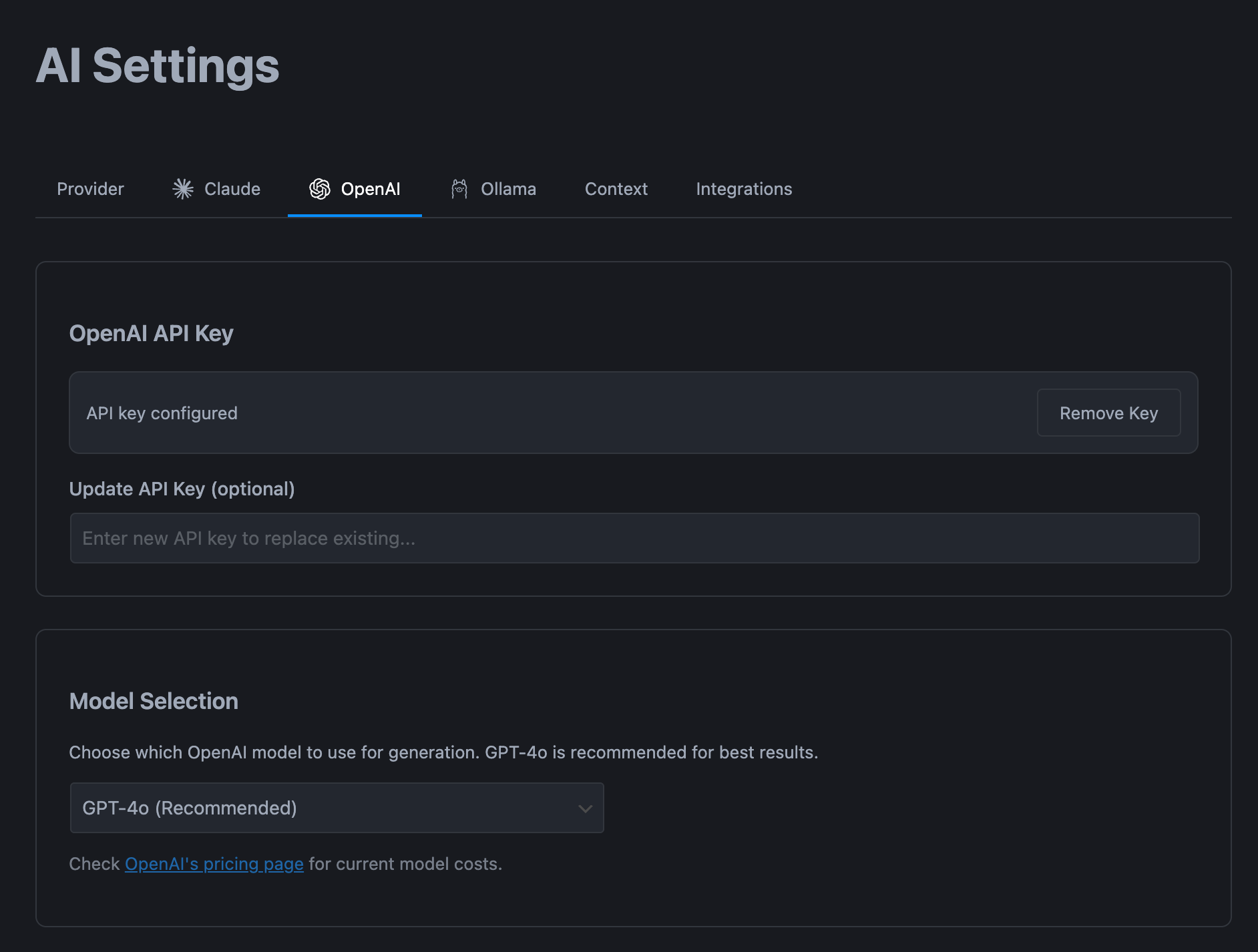
OpenAi
You can add API key and choose default model
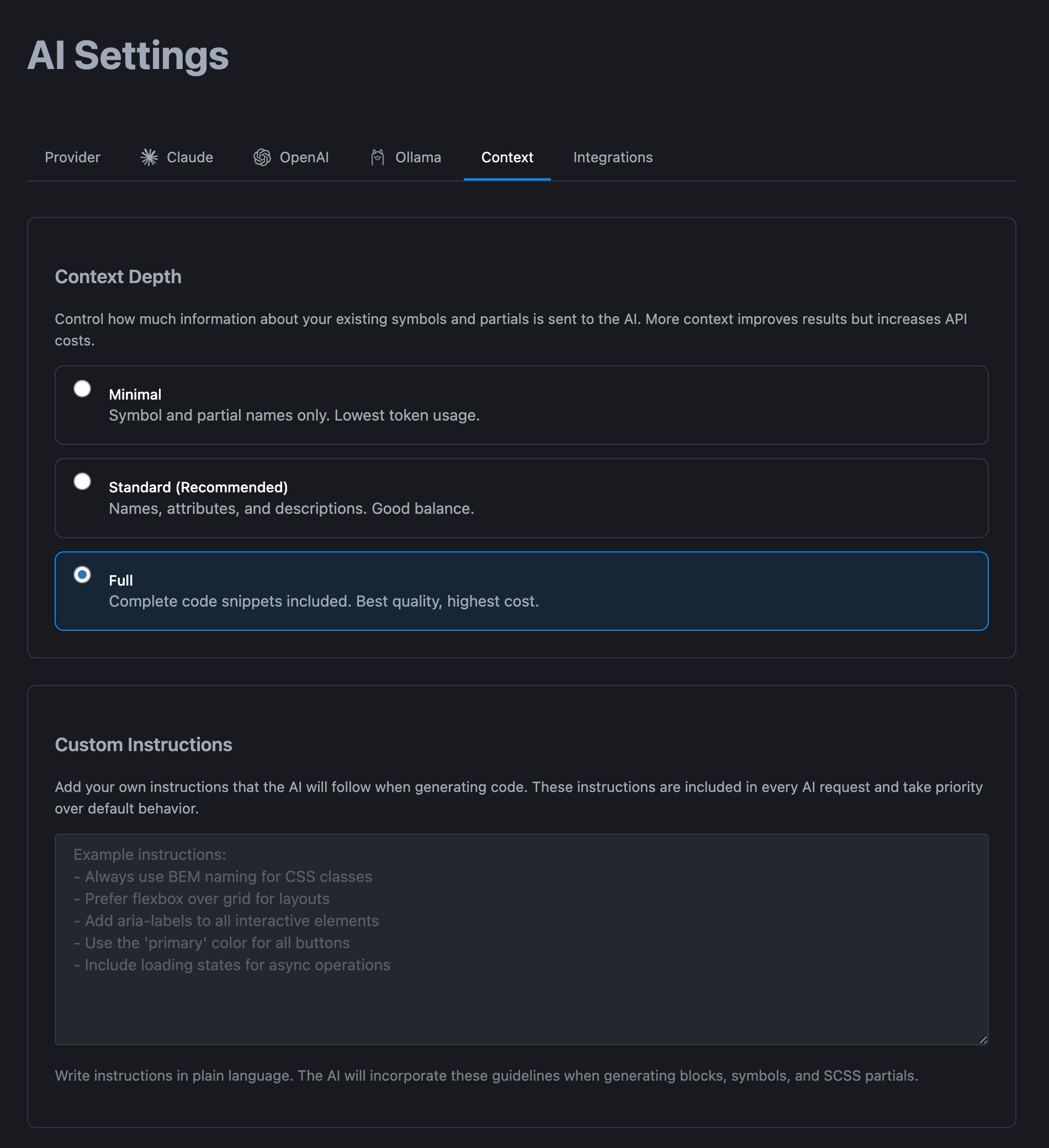
Context
Here you can set context depths and also add your own rules to fine tune instuctions.
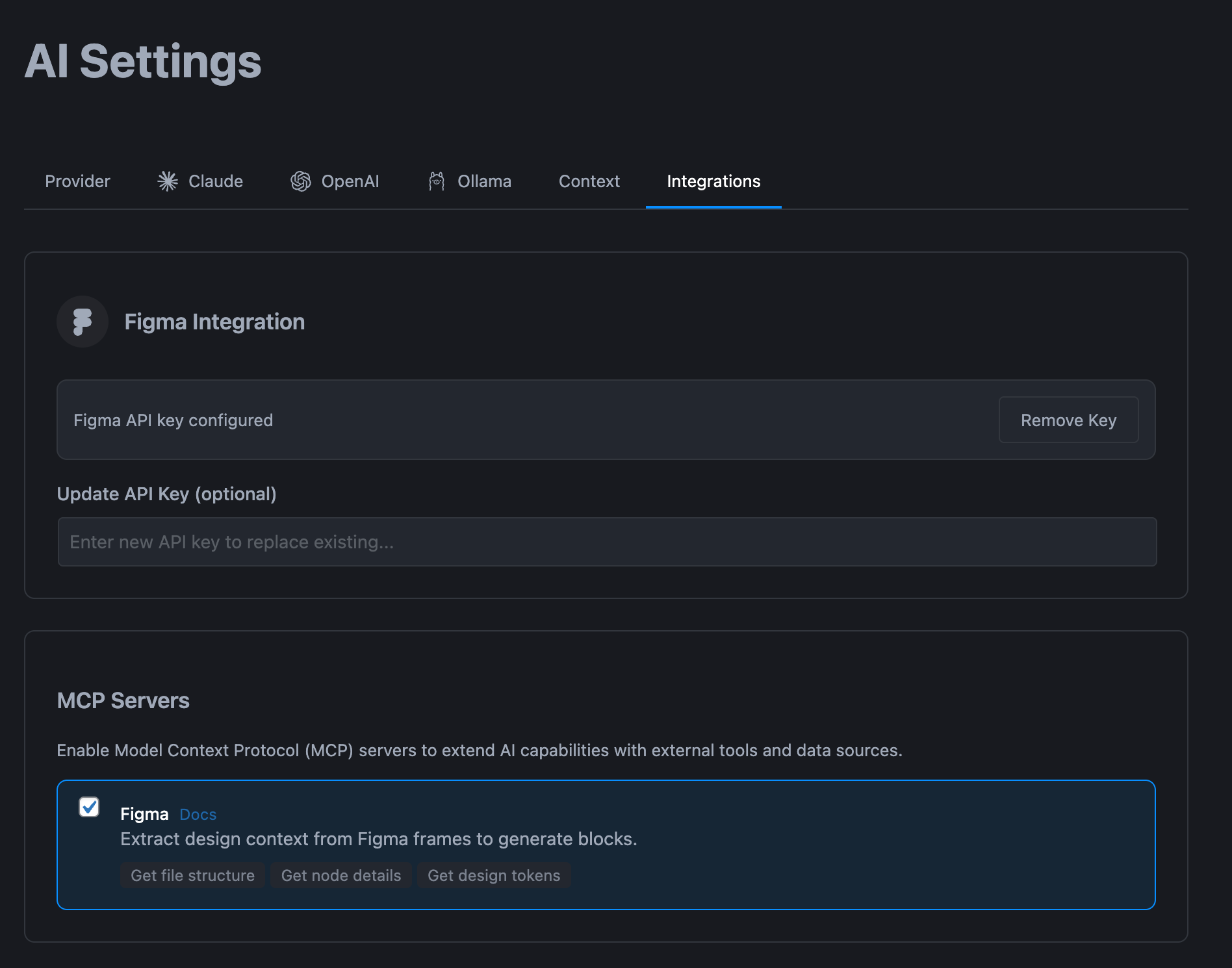
Integrations ( Figma MCP )
Here you can add your figma API Key
Winden integration
Latest release from Winden and FanCoolo can on every FanCoolo save regenerate Winden ( Tailwindcss ) and do hot reload and fetch latest compiled css.
No more browser reload. You will get full hot reload experience.

Leave a Reply