Exclude Scripts and Styles in Oxygen Builder: Scripts Organizer
An entrance animation that starts elements at opacity: 0 hides them inside the Oxygen Builder editor as well, so you can't see or edit what you're animating. The Exclude Page Builders option in Scripts Organizer fixes this: it stops the code block's CSS and JavaScript from loading inside the builder. The animation still runs on the live front end, and you can edit the page normally again.
The problem: opacity 0 hides elements in the editor
For this tip we reuse the GreenSock (GSAP) stagger animation from our earlier video. The blog cards animate from opacity 0 to opacity 1. To set that starting state, the Blog Animation code block adds this CSS:
.oxy-post{
    opacity: 0;
    transform: scale(0);
}
On the front end, GSAP then brings the cards into view. Inside Oxygen Builder, though, the same CSS loads and the animation doesn't reveal anything, so the posts stay invisible. You can't see the elements you need to work on.
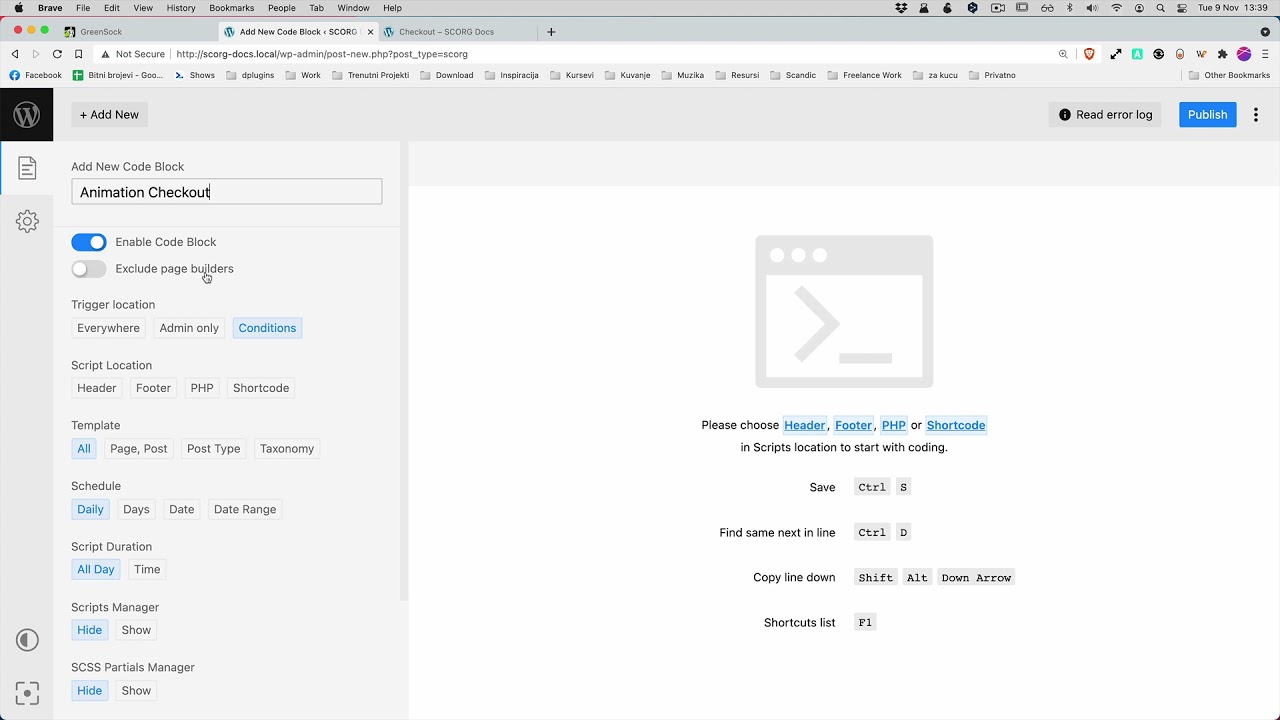
Enable Exclude Page Builders
The fix is one toggle on the code block. No code changes are needed.
- Go to Scripts Organizer → Code Blocks and open the code block (here, Blog Animation).
- Next to Enable Code Block, switch Exclude Page Builders to On.
- Save the code block.
Now the code block's CSS and JavaScript don't run inside Oxygen Builder.
Check the builder and the front end
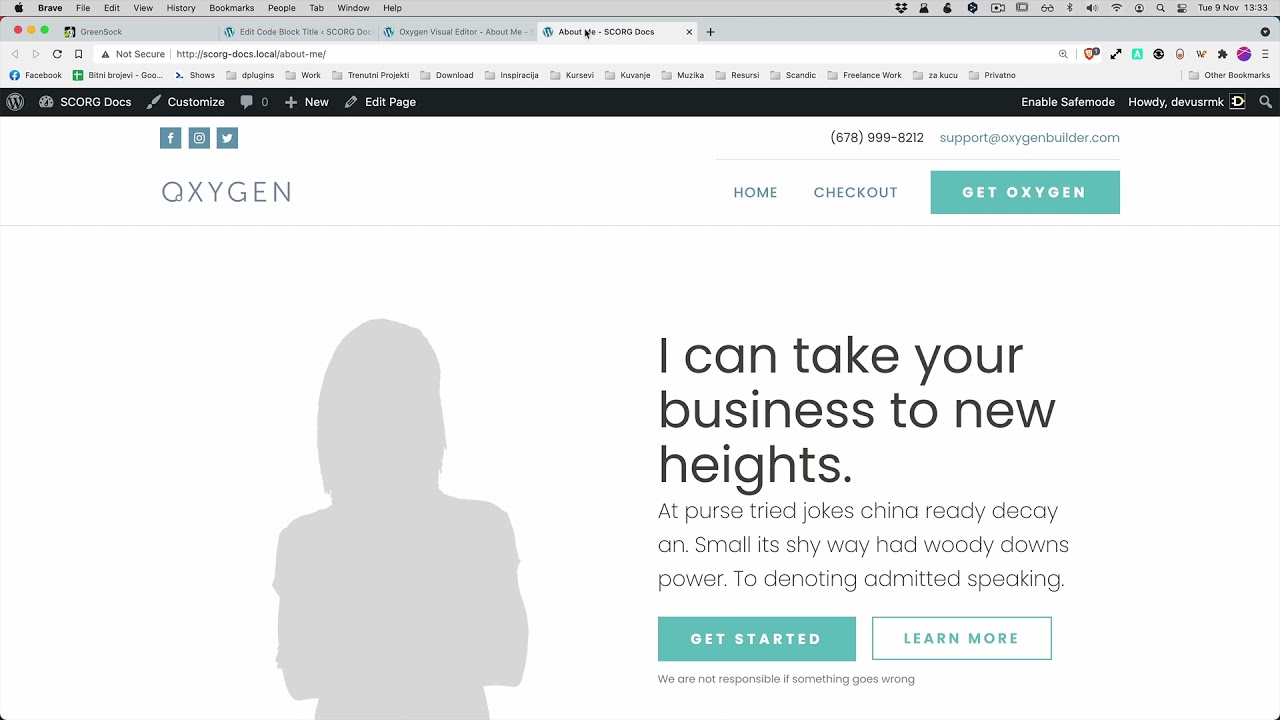
Reload the page in the Oxygen editor. Give it a second to load, and all the post cards are visible and editable again. Then reload the page on the front end. The animation runs just as it did before.
The result: you keep your animation on the live site and can still see every element while you build. You don't need to comment out the CSS each time you open the editor.
Get Scripts Organizer → dplugins.com