Live Reload in WordPress with a Scripts Organizer Snippet
Most front-end work in WordPress goes like this: change a line, save, switch to the browser tab, refresh, check, and repeat. This video shows a free live reload workaround for WordPress: a short JavaScript snippet in Scripts Organizer that reloads the page on a timer. You save your CSS and see the result a second or two later without touching the browser.
The problem: save, switch, refresh, repeat
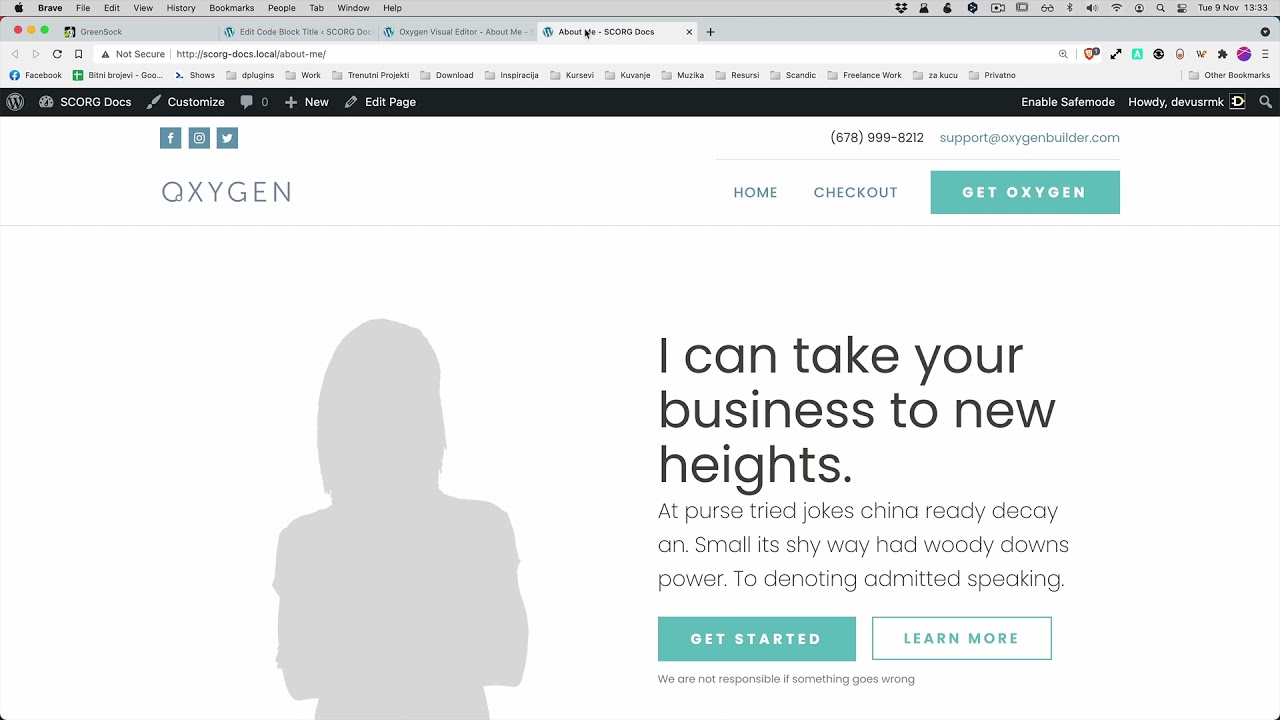
Each round trip only takes a few seconds, but you do it dozens of times while styling one section. It adds up and it breaks your focus. In the video we edit a SCSS code block called Theme that sets the background of html .oxygen-body. Every change would normally need a manual refresh of the front-end tab.
The live reload snippet
The fix is a JavaScript code block that reloads the page on a timer. This is the code as shown on screen:
setTimeout(function() {
    setTimeout("location.reload(true);");
}, 1500);
The number at the end is the delay in milliseconds. Anything between 1.5 and 3 seconds works best. At 5 or 10 seconds you spend too much time waiting, and that defeats the purpose.
You can grab the snippet from our site: Live Reload with Scripts Organizer.
Set up the code block
A page that reloads on its own would make a page builder unusable, and you don't want visitors on a live site hitting it either. So keep the snippet out of the builder and only load it where you're working.
- In Scripts Organizer, add a new code block and name it (we used Reload).
- Set the language dropdown to Javascript and paste the snippet.
- Turn on Enable Code Block.
- Turn on Exclude page builders, so the reload never runs while you're editing in Oxygen Builder or any other builder.
- Leave Script Location on Header.
- Under Trigger location, use Conditions to target only the page you're working on. This matters most on a live website, because nobody else gets the reload.
- Save, then refresh the front-end page once so it picks up the script.
After that the browser's loading indicator shows up every couple of seconds, which means the script is running. In the video we change background-color in the Theme SCSS block from red to yellow and the link color from white to black, save, and the front end updates by itself.
DevTools open vs closed
The page behaves differently depending on whether the browser inspector is open:
- Inspector open: the whole page reloads.
- Inspector closed: the browser keeps the cached content and only the CSS gets refreshed. That's because Scripts Organizer gives the CSS file a new version number every time you save, so the stylesheet is the only thing that changes.
If you're only working on styles, you can close the inspector and let the CSS refresh on its own.
Who is this for
- Developers writing CSS or SCSS in Scripts Organizer who are tired of refreshing by hand after every save.
- Anyone styling a page on a live site who needs the reload limited to one page, with visitors and the page builder left alone.
- Oxygen Builder users who want to see front-end changes without the reload getting in the way inside the builder.
FAQ
How do I auto-refresh a WordPress page while editing CSS?
Add the JavaScript snippet above as a Scripts Organizer code block. It calls location.reload on a timer, so the page reloads every 1.5 seconds (or whatever delay you set) and shows your latest saved changes.
What reload interval should I use? We use 1.5 to 3 seconds. At 5 or 10 seconds you end up waiting for every change to show.
Will the reload break my page builder? Not if you turn on Exclude page builders on the code block. The snippet then doesn't load inside Oxygen Builder or other builders.
Can I use it on a live website? Yes. Use Conditions under Trigger location to load it only on the page you're working on, then disable the code block when you're done.
Why does only the CSS change when DevTools is closed? The page content is cached, but Scripts Organizer gives the CSS file a new version number each time you save, so the fresh stylesheet is loaded. With DevTools open, everything reloads.
Get Scripts Organizer → dplugins.com