Migrate Advanced Scripts to Scripts Organizer with JSON Import
Moving from Advanced Scripts to another plugin usually means copying every snippet by hand, one at a time. Scripts Organizer has a dedicated Advanced Scripts import: you export your snippets to a JSON file, import it, and your snippets show up in Scripts Organizer with their descriptions. Many users asked for this, so we added it.
Before you export: take snippets out of folders
Newer versions of Advanced Scripts let you group snippets into folders. The Scripts Organizer import doesn't support folders yet, so snippets left inside a folder won't come across the way you expect.
- In WordPress go to Tools → Advanced Scripts.
- Open each folder in the snippet list and drag every snippet out of it, so they all sit at the top level.
Export from Advanced Scripts
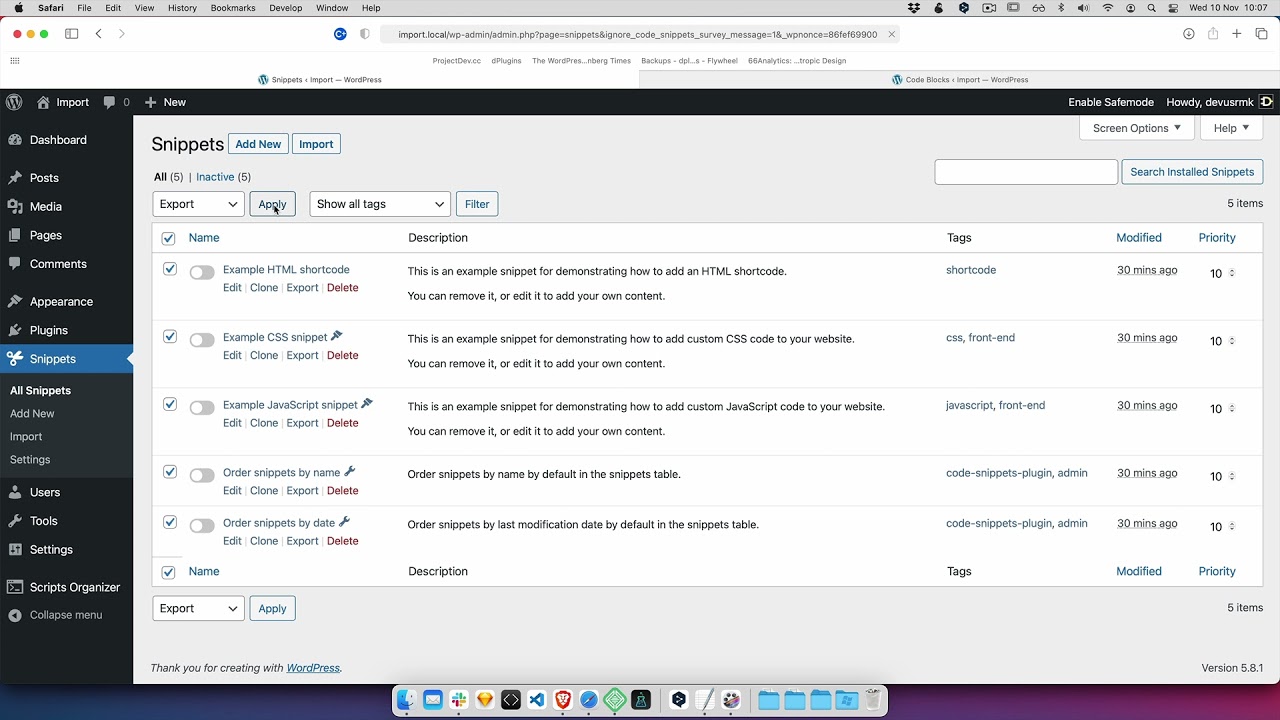
- Still in Advanced Scripts, use the export action.
- Save the file. You get a JSON file named like
advanced-scripts-export-<date>.json.
Import into Scripts Organizer
- Go to Scripts Organizer → Import.
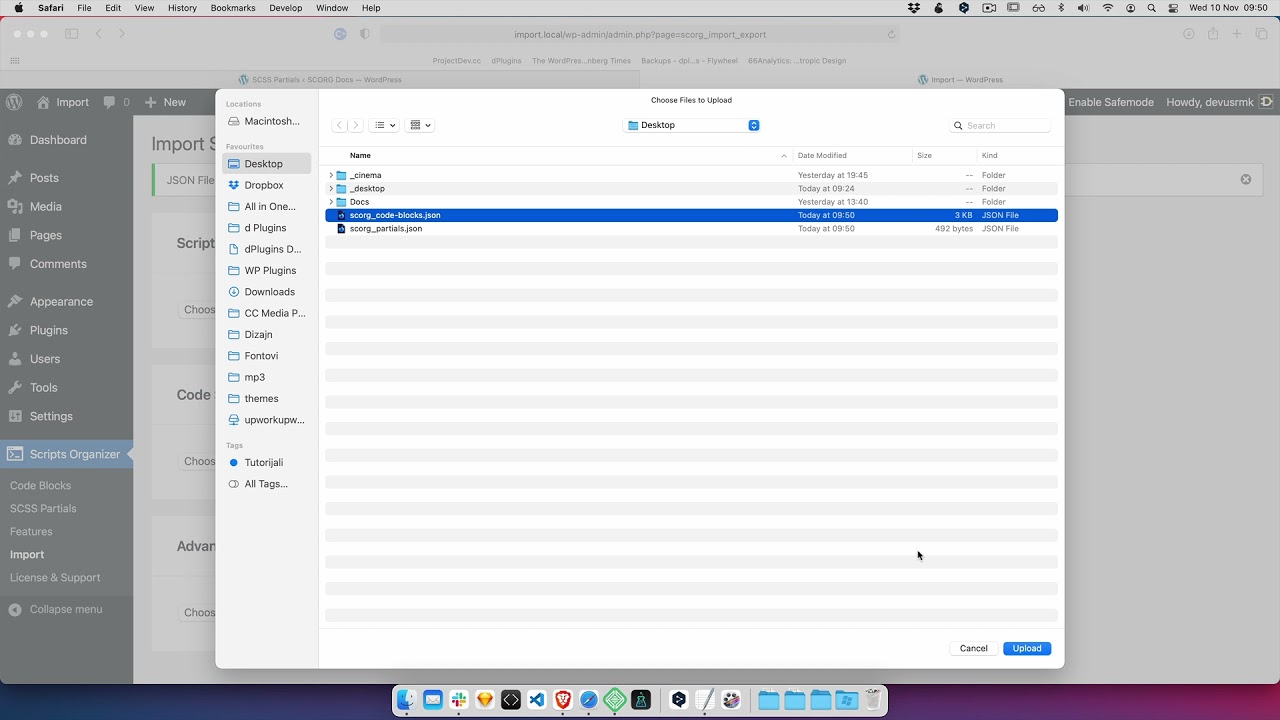
- Find the Advanced Scripts import section and click Choose File.
- Select the exported JSON file and import it.
Then open Scripts Organizer → Code Blocks. All of your snippets are there as code blocks. If you wrote descriptions for your snippets in Advanced Scripts, they carry over too and show in the Description column, so you don't have to write them again.
What is not migrated yet
Advanced Scripts has its own advanced conditions, and Scripts Organizer 3.0 does not import them. After the import, check any snippet that used conditions in Advanced Scripts and set its conditions again in Scripts Organizer. We may add support for them in a future release.
Get Scripts Organizer → dplugins.com