Migrate Code Snippets to Scripts Organizer with JSON Import
If all your custom code lives in the Code Snippets plugin, moving it to another plugin by hand means copying every snippet one at a time. Scripts Organizer has a dedicated Code Snippets import. You export everything from Code Snippets as one JSON file and import it as Scripts Organizer Code Blocks, so the migration takes a few clicks. The descriptions come across too.
Export your snippets from Code Snippets
You don't need to export snippets one by one. The bulk action puts all of them in one file.
- Go to Snippets → All Snippets.
- Select all snippets with the checkbox in the table header.
- Open the Bulk actions dropdown and choose Export.
- Click Apply and save the JSON file.
In the video, five snippets go into one export: an HTML shortcode, a CSS snippet, a JavaScript snippet and two admin snippets that set the table sort order.
Import the JSON into Scripts Organizer
Scripts Organizer's import screen has an importer made for Code Snippets files, so you don't have to convert anything first.
- Go to Scripts Organizer → Import.
- Find the Code Snippets import block.
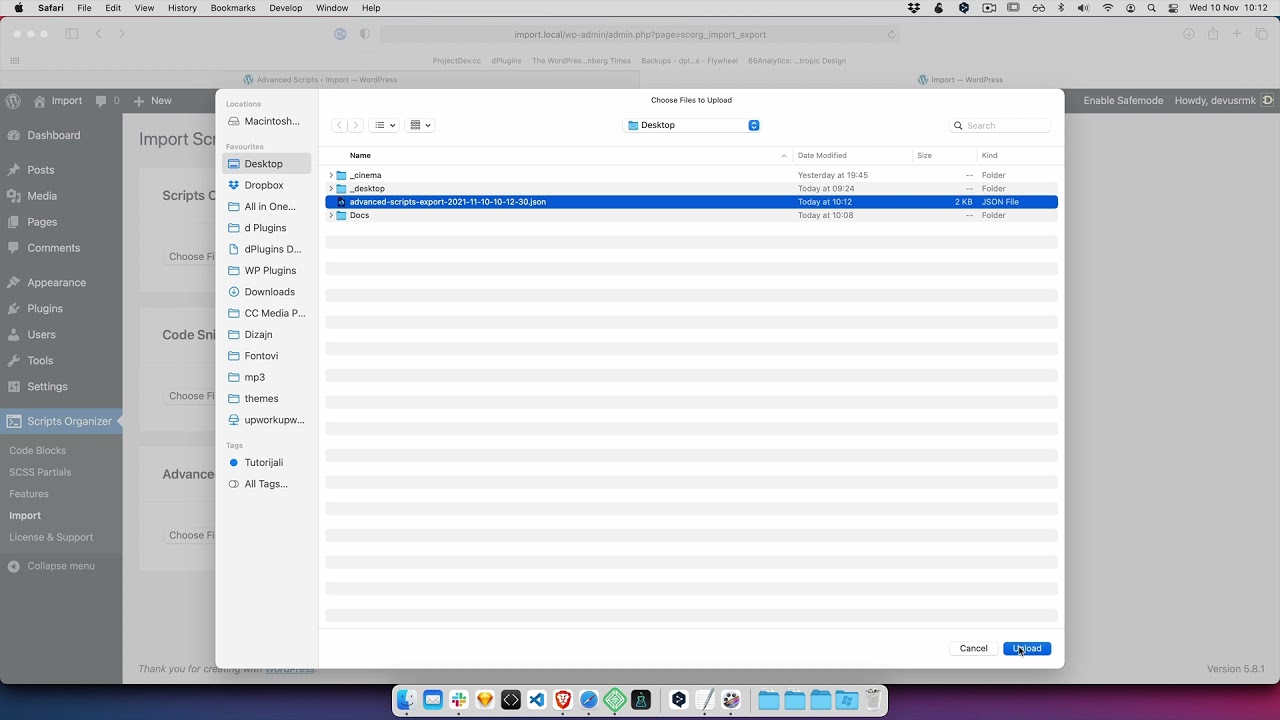
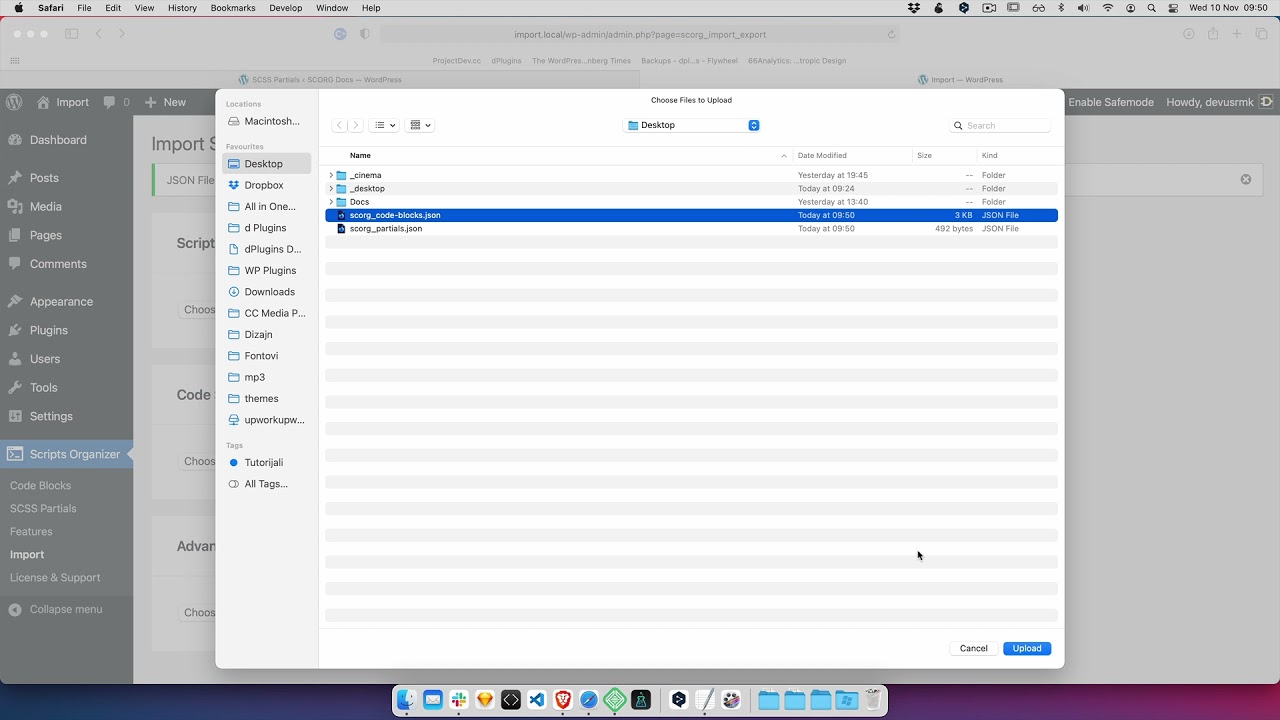
- Select the JSON file you exported and import it.
Check your Code Blocks
Open Scripts Organizer → Code Blocks. All five snippets are listed as Code Blocks with their original titles, and each Description column shows the text written in Code Snippets. That means your notes on what each snippet does survive the move, and you don't have to write them again.
Once everything is in Scripts Organizer, you can manage the code there with Scripts Organizer's own tools.
Get Scripts Organizer → dplugins.com