FanCoolo 1.6.0: Styles for patterns
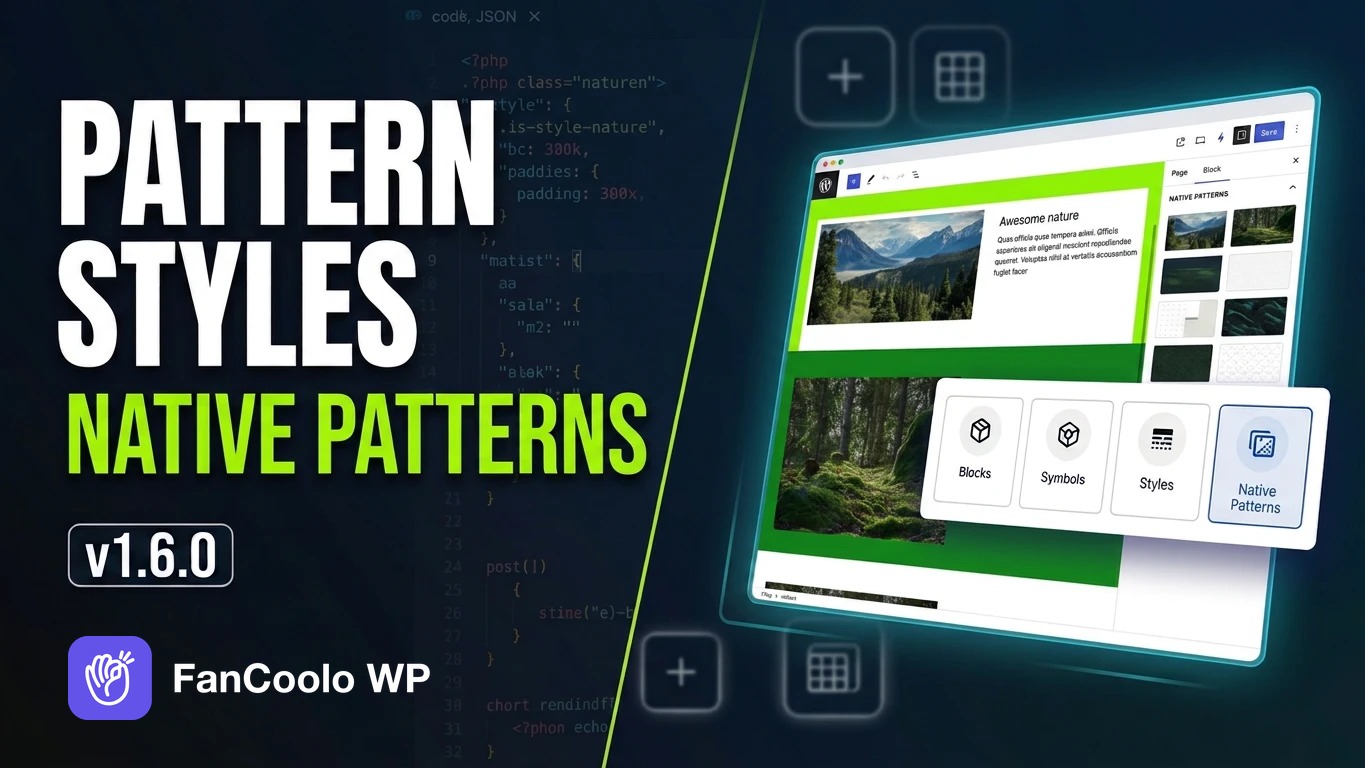
FanCoolo 1.6.0 brings Styles to Gutenberg patterns. You assign Styles to a pattern once, then pick one for each place you use it. It also adds warnings for broken references, three starter Styles and a set of fixes.
Styles for patterns
A Style can now be assigned to patterns: theme patterns, plugin patterns, core patterns and your own saved patterns. Open the Style in FanCoolo, find Where this style applies and pick the patterns under Patterns.
Assigning a Style only offers it. Every use of the pattern starts on Default, so pages that already use the pattern stay exactly as they are.
To style one use, select the pattern on the page and open Pattern Styles in the sidebar (Styles on a synced pattern). Click a Style, or Default to remove it.
- On a regular pattern, the Style is saved on the pattern's block, like any block style.
- On a synced pattern, the pick is saved with the page. The pattern itself never changes, so every page can use the same synced pattern with its own Style.
- The block's own Styles panel keeps working next to it.
Starter Styles
Every site now gets three Styles for the Group block, Tinted, Dark and Accent. They're created once, so you can use them as they are or change them.
Broken reference warnings
The Content editor now marks references that no longer work: missing symbols, symbol attributes that don't exist, deleted block attributes and unknown WordPress values. You also get a warning after saving.
Deleting an attribute that a template still uses now shows where it's used and asks you to confirm.
Improvements
- Block
supportssettings are now saved, so you can limit alignment options (for example to wide and full) or turn off anchor support. - Updating a block through Claude (MCP) with only some settings now keeps the others.
- Unknown WordPress icon names are rejected on save with a clear message.
- Confirm dialogs replace browser pop-ups, dialogs work with the keyboard, and all screens follow the light and dark admin theme.
Fixes
- Prices and other text with a
$followed by digits inside inner blocks were cut off on the front end ("$19.00" showed as ".00"). - Deleting an attribute that a template still used caused an "Undefined variable" warning on the front end.
- A partial block update through Claude (MCP) cleared the block's category, description and icon.
- The editor scrolled sideways when both side panels were open.
Update
Go to Dashboard → Updates, or download 1.6.0 from your account.