Animate Blog Posts on Scroll with GSAP: Scripts Organizer
A stagger animation that runs on page load only animates the posts people see first. Everything further down the page is already sitting there when the visitor scrolls to it. In this video we animate blog posts on scroll with GSAP ScrollTrigger and ScrollTrigger.batch(), so each group of posts animates when it enters the viewport. You need two things: a self-hosted script in Scripts Organizer and a short code block.
Intro
This follows our earlier GSAP stagger tutorial for an Oxygen Builder blog page. That animation works, but it runs once on load, so by the time you scroll to the second row there's nothing left to animate. We want the posts to animate as the visitor scrolls to them.
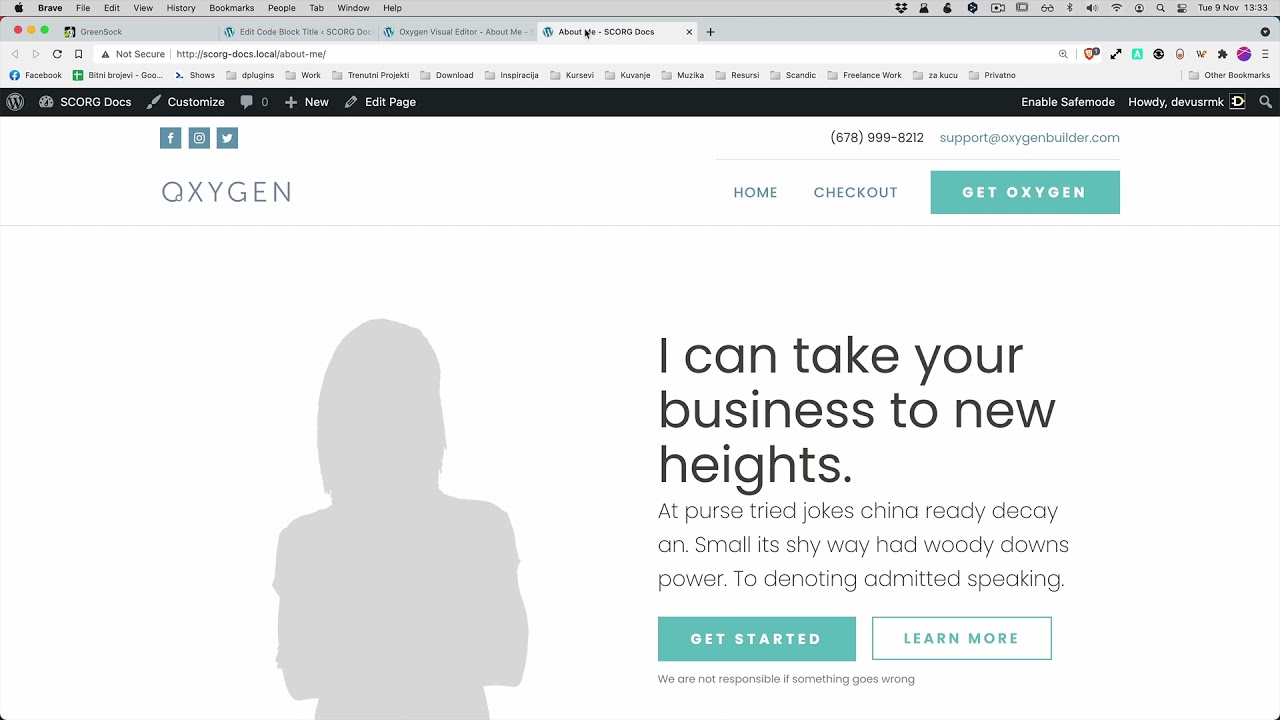
The page is a blog archive built in Oxygen Builder. Each card in the grid uses the .oxy-post class, and that class is what we target.
Add ScrollTrigger
Scroll animations in GSAP need an extra plugin called ScrollTrigger. GSAP core doesn't include it. Registering it once in the Scripts Manager lets you enqueue it only in the code blocks that need it, so you don't load it on every page.
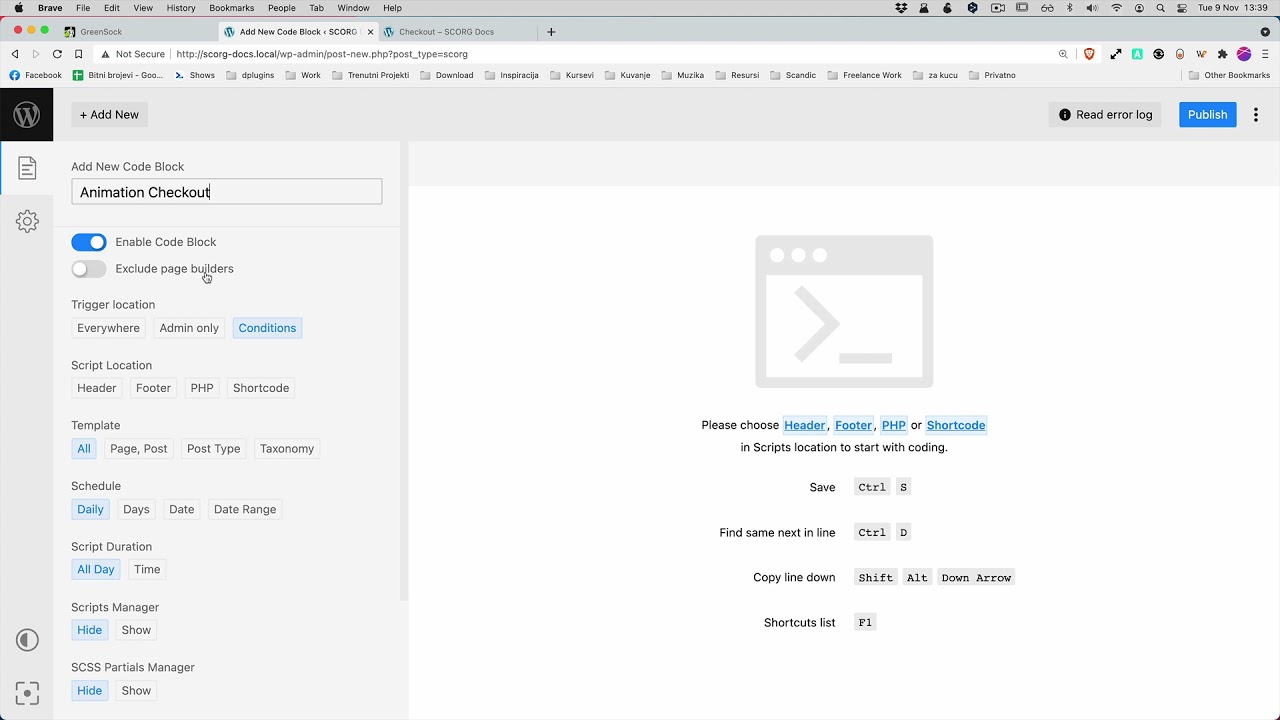
- Go to Scripts Organizer → Scripts Manager and click + Add New Script. GSAP Core is already registered from the previous video.
- Set Script Name to
Gsap ScrollTrigger. - Set Script Type to JavaScript, Location to Footer, and Include Type to Register.
- In Upload File or Paste CDN Link, upload
ScrollTrigger.min.js. You can paste a CDN link instead, but we host the file on our own server because we think that's better for performance. - Click Save.
Below the script name you'll see a ready-made enqueue call with a Click to copy button, in case you want to load the script from PHP.
ScrollTrigger Batch
If you create one ScrollTrigger per post, every card fires on its own and the stagger is lost. ScrollTrigger.batch() groups the elements that enter the viewport at around the same time and gives you all of them in one callback. Those posts still animate as a staggered group.
The GreenSock docs describe the triggers parameter as either a selector text like ".class" or an array of element references. We only need one class here, so a selector is enough.
This is the simple example from the ScrollTrigger docs, which we pasted into the code block:
ScrollTrigger.batch(".box", {
  onEnter: (elements, triggers) => {
    gsap.to(elements, {opacity: 1, stagger: 0.15});
    console.log(elements.length, "elements entered");
  },
  onLeave: (elements, triggers) => {
    gsap.to(elements, {opacity: 0, stagger: 0.15});
    console.log(elements.length, "elements left");
  }
});
onEnter runs when elements come into the viewport, and onLeave runs when they scroll out. The docs page also links a CodePen with more advanced versions if you want to try other options.
To adapt it to the blog page:
- Open the code block from the previous tutorial. Enqueue Scripts already has Gsap Core. Add Gsap ScrollTrigger next to it.
- Keep Script Location set to Footer.
- Change the selector from
.boxto.oxy-post. - Move the tween values from the old stagger animation (duration, scale, opacity, y) into the
onEntertween and usestagger: 0.15. - Comment out the old
gsap.to()stagger code instead of deleting it, so it's there if you need it later. - Click Save and refresh the page.
Here's the final code block as shown in the video:
// gsap.to(".oxy-post", {
//     duration: 1,
//     scale: 1,
//     opacity: 1,
//     y: 40,
//     stagger: {
//         grid: "auto",
//         from: "start",
//         amount: 1.5
//     }
// });

ScrollTrigger.batch(".oxy-post", {
  onEnter: (elements, triggers) => {
    gsap.to(elements, {
      duration: 1,
      scale: 1,
      opacity: 1,
      y: 40,
      stagger: 0.15
    });
    console.log(elements.length, "elements entered");
  }
});
Now the posts no longer all load at once. Each row animates in as you scroll to it. The console.log line shows how many elements each batch contained, which helps you check the batching while testing. You can remove it before going live.
To keep going, read the ScrollTrigger section of the GreenSock docs and try the other options.
Who is this for
- Oxygen Builder users with a blog or archive grid who want to animate posts on scroll rather than only on page load.
- Developers already loading GSAP through Scripts Organizer who want to add ScrollTrigger as a registered, self-hosted script without a separate animation plugin.
- Anyone starting out with GSAP who wants a short, readable
ScrollTrigger.batch()example to build on.
FAQ
What does ScrollTrigger.batch() do?
It creates one ScrollTrigger per target element and batches their callbacks. Elements that enter the viewport at around the same time arrive together in one onEnter call, so you can animate them as a staggered group.
Do I need to load ScrollTrigger separately from GSAP? Yes. ScrollTrigger is a GSAP plugin. In the video it's registered in the Scripts Manager as its own script and enqueued in the code block together with GSAP Core.
Should I use the CDN or host ScrollTrigger myself? Both work. The Scripts Manager accepts an uploaded file or a pasted CDN link. We uploaded the file to our own server because we think that's better for performance.
Can I target the posts with a class?
Yes. The triggers parameter accepts selector text like ".oxy-post" or an array of element references. For a simple Oxygen repeater or archive, the post class is enough.
Can posts animate out when they leave the viewport?
Yes. The GreenSock example uses an onLeave callback that tweens elements back to opacity: 0. Our final code only keeps onEnter, but you can add onLeave back from the docs example.
Get Scripts Organizer → dplugins.com