Hoster 1.4.0: protected downloads, licence-bound updates and a faster release flow
Hoster 1.4.0 is the biggest Hoster release so far. It closes the gaps you told us about: zips that could be downloaded without a licence, updates that disappeared, and editor tabs that lost their content. It also makes shipping a new version a lot faster.
Protected downloads
Plugin zips now live in a private folder instead of the public uploads folder. Update links are signed, expire after an hour, and are tied to the licence and the site that asked for them. The licence is checked again on every download, so revoking a licence stops links that were already handed out.
Security and private storage docs →
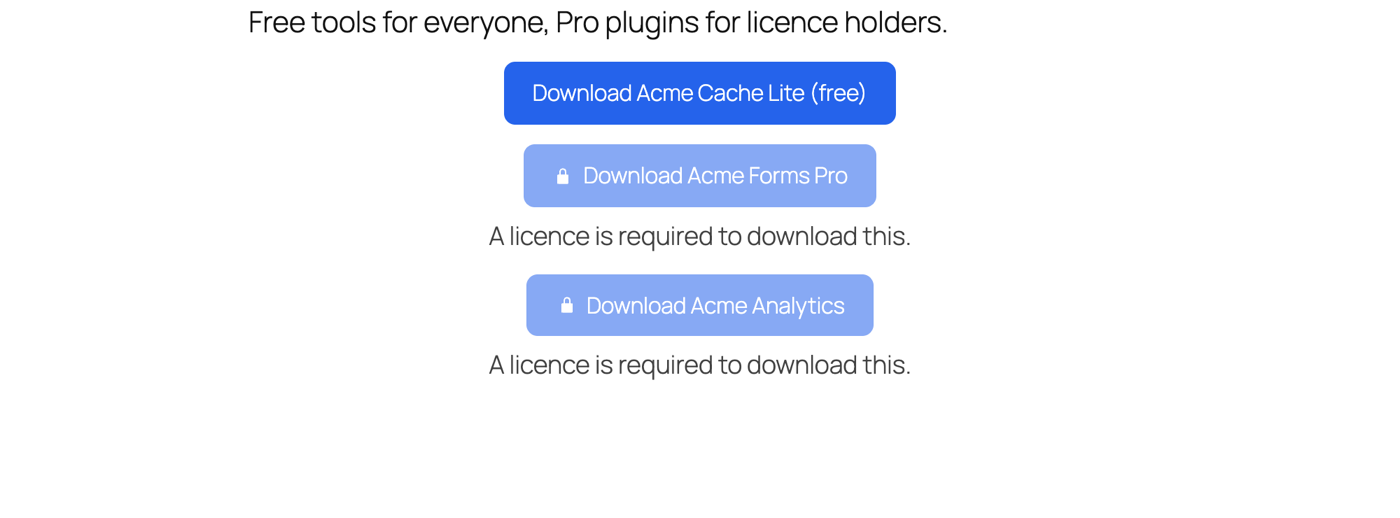
A locked button for users without a licence
Logged-in users without a licence now see a locked button with a lock icon and a short notice, instead of nothing. You can hide it or change the text in the button settings, in Gutenberg and Oxygen. You and your editors can always download your own products.
Release faster
- Upload new version: drop a zip into the Download sidebar and Hoster reads the version from it.
- Release API: publish a version from CI, a deploy script or after an FTP upload.
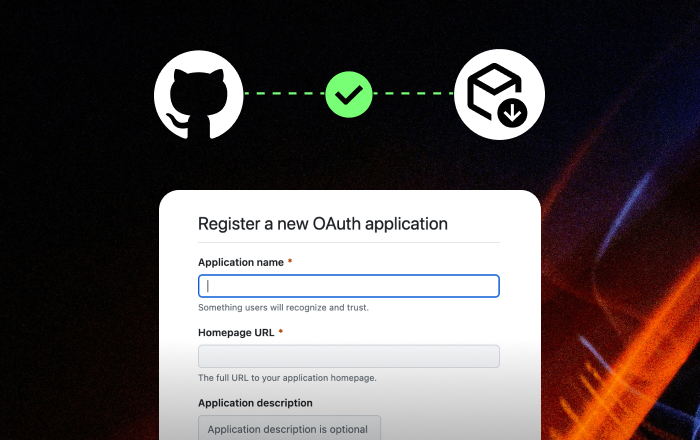
- GitHub webhook: a published release updates the Download on its own.
Organise your downloads
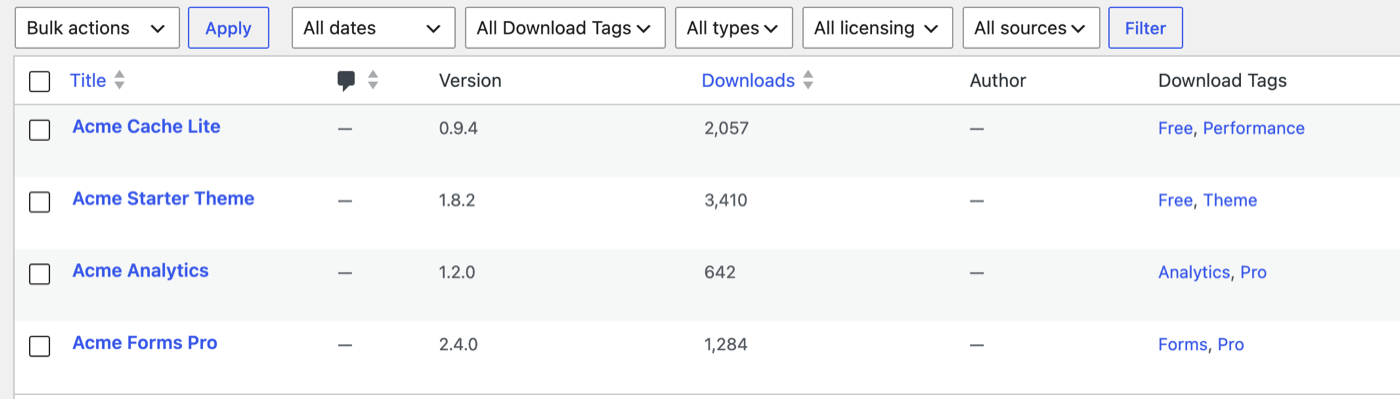
Downloads get their own tags, filters for type, licensing and source, and a download counter.
More reliable updates
- Updates no longer vanish after the first admin page load, and show up in WP-CLI, cron and auto-updates.
- Sites on subdomains or with and without
wwwget their updates. - Description, Changelog and Installation tabs keep their content when you save, and Cmd/Ctrl+S saves from inside the editor.
- A new client updater (2.1.0) shows the licence status on the plugin row.
Updating is safe
Sites that already run your plugins keep getting updates, including ones with the old updater. Nothing breaks when you update Hoster. The migration guide covers the optional steps, like moving your products to the new updater and the one server rule nginx needs.
Update
Go to Dashboard → Updates, or download 1.4.0 from your account. New to Hoster? See Hoster →