Sync Gutenberg theme.json Colors and Fonts to Tailwind with Winden
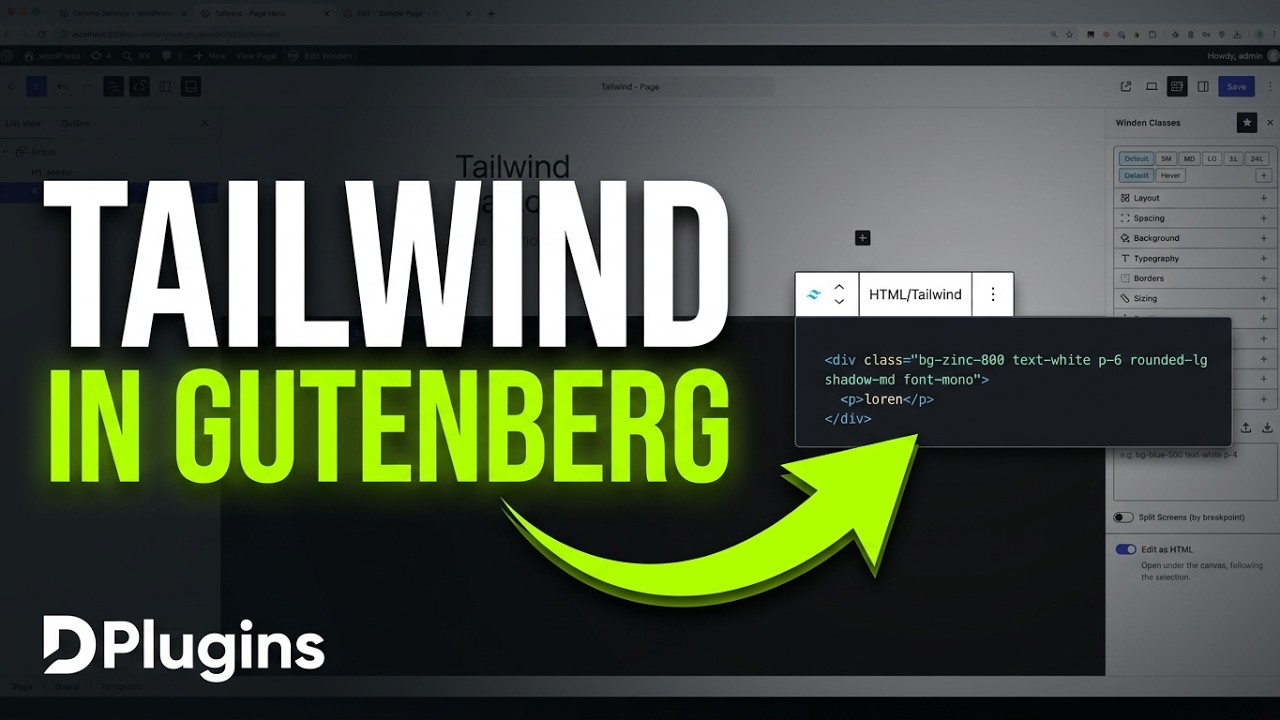
If you use Tailwind CSS on a Gutenberg block theme, you have two design systems: the colors, fonts and spacing in theme.json, and the ones in your Tailwind config. Keeping them in sync by hand means copying hex codes and rem values back and forth, and they drift apart the first time someone edits one side. Winden's Dynamic Data feature reads those values straight from the block theme, so your Tailwind classes use the same tokens as the Site Editor, and there's nothing to copy.
What dynamic data does
Dynamic Data fetches design values from the builder you're using. In this video it's a Gutenberg-only site running the Twenty Twenty-Three block theme. Winden reads that theme's settings and turns them into Tailwind theme values.
Gutenberg's default color palette
First, here's what each side has before the sync. In the Site Editor, go to Styles, then Colors. Twenty Twenty-Three defines five colors.
Now open Winden's Style Guide tab. It lists the Tailwind default colors plus a sample clifford color from the starter config. Tailwind doesn't know about your theme palette yet. This is the starter config in Editor → Config, with clifford commented out:
export default {
    theme: {
        extend: {
            colors: {
                // clifford: '#da373d',
            }
        }
    },

    corePlugins: {
        preflight: false,
    }
}
Fetch Gutenberg colors into Winden
You want bg-primary in Tailwind to match the Primary color in the block theme. Here's how to set that up:
- In the Winden Editor, open the Dynamic Data panel in the right sidebar.
- Under Gutenberg, you'll see Colors, Space, Font Family and Font Size. Each one has its own Extend checkbox.
- Check Colors and click Update.
- Open the Style Guide. The theme colors now show up: Base
#ffffff, Contrast#000000, Primary#9DFF20, Secondary#345C00and Tertiary#F6F6F6.
Extend vs. overwrite colors
Sometimes you only want the brand palette, and sometimes you still want Tailwind's full color set. The Extend checkbox controls which one you get:
- Extend unchecked: the Gutenberg colors replace the Tailwind defaults. You get a short list that holds only your theme colors.
- Extend checked: you keep all the Tailwind default colors and get the Gutenberg colors on top.
Fetch font families
Fonts installed in the block theme should also be available as Tailwind font utilities.
- In the Site Editor, go to Styles → Typography to see the installed fonts. In this video that's DM Sans, IBM Plex Mono, Inter, Source Serif Pro and System Font.
- Back in Winden's Dynamic Data panel, check Font Family and click Update.
- In the Style Guide, the Font Families section now lists them by slug:
dm-sans,ibm-plex-mono,interand so on.
Fetch font sizes + verify in theme.json
Font sizes are the values most likely to drift, because block themes often define them as fluid ranges.
- Check Font Size in Dynamic Data and click Update.
- The font sizes from the theme now appear in the Style Guide.
To check that the values match, open wp-content/themes/twentytwentythree/theme.json (in the video we opened it in the DevKit file editor). Under settings.typography you'll find fontFamilies and fontSizes. The last two sizes look like this:
{
    "fluid": false,
    "size": "2.25rem",
    "slug": "x-large"
},
{
    "fluid": {
        "min": "6.1rem",
        "max": "10rem"
    },
    "size": "10rem",
    "slug": "xx-large"
}
The 2.25rem and 10rem values match what Winden fetched.
Sync spacing values
Block themes use a spacing scale with numeric slugs. When your Tailwind spacing uses the same scale, padding and margins match between blocks and custom markup.
- Check Space in Dynamic Data and click Update.
- The spacing section now uses the theme's slugs:
30,40,50,60, up to80.
These are the same slugs defined in the theme's spacing settings, and you get them all with one click.
Who is this for
- Developers building on Gutenberg block themes with Tailwind CSS who want one source of truth for colors, fonts and spacing.
- Site builders changing a theme's palette or type scale who don't want to re-enter every value in the Tailwind config.
- Anyone who wants Tailwind's defaults plus the theme's colors. The Extend option keeps both.
FAQ
Can Winden read colors from my block theme's theme.json? Yes. In Winden's Dynamic Data panel, check Colors under Gutenberg and click Update. The theme palette appears in the Style Guide as Tailwind colors.
Will fetching Gutenberg colors remove Tailwind's default colors? Only if Extend is unchecked. Then the theme colors replace the defaults. With Extend checked, you keep Tailwind's defaults and get the theme colors on top.
What can Dynamic Data fetch from Gutenberg? Colors, spacing (Space), Font Family and Font Size. Each one has its own checkbox and its own Extend option.
Does it handle fluid font sizes?
Winden fetched the sizes from Twenty Twenty-Three, which defines most of them as fluid ranges. The fetched values matched the size values in theme.json, for example 2.25rem for x-large and 10rem for xx-large.
Get Winden → dplugins.com