WP Admin Cleaner 2.1: spacers in the admin menu
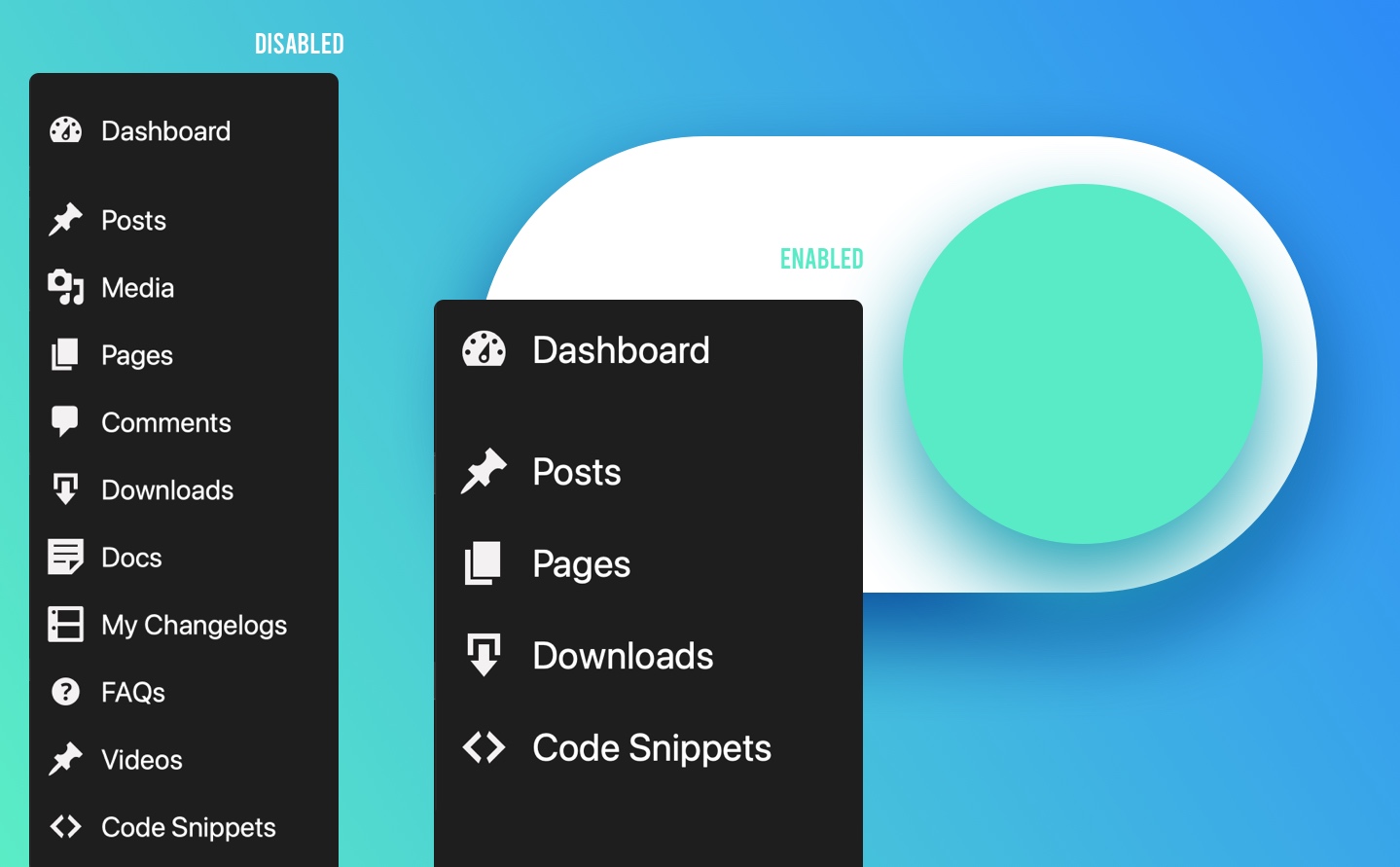
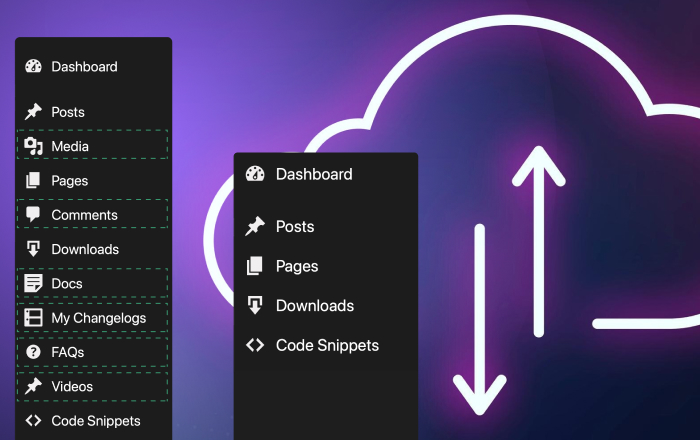
WP Admin Cleaner 2.1.0 adds spacers to the admin menu and fixes two layout problems: the Half Screen Image login page and custom dashboards that point to a WP Admin page.
Spacers in the admin menu
A long admin menu is easier to scan when related items sit together. You can now add spacers between menu items in Menu Order and Menu Order per Role. Click Add spacer, drag it into place and save. In the admin menu, each spacer shows as a thin divider line.
Spacers follow the same rules as the menu order: set them for your own account, or per role for your clients and editors.
Menu order per user role docs →
Fixes
- Half Screen Image login layouts (Light and Dark): the image fills the full screen height again, with no blank strip under it on tall screens.
- Half Screen Image Dark: extra elements on the login page are now hidden, the same as in the Light layout.
- Custom Dashboard: a dashboard URL that points to a WP Admin page now opens that page directly, instead of showing a second admin bar and menu inside the dashboard. Custom dashboard docs →
Update
Go to Dashboard → Updates, or download 2.1.0 from your account on dplugins.com.