
Stage 3 Progress: Visual Builder Class Bypassing
As Winden progresses, we are now entering Stage 3, where we introduce bypassing for adding classes in some visual builders. This helped us move from the previous text system to a text editor–based class writing experience, which was the most requested feature by users.
This stage focuses on improving flexibility and performance while keeping compatibility across different builders.
Oxygen Classic Integration
Even though Oxygen Classic is ending its production, there is still a large user base actively using it.
Because of this, we created a separate database table where we map class names to element IDs. On the frontend, we filter those IDs and output the mapped class names directly.
This approach allows us to:
- Keep full compatibility with existing Oxygen Classic projects
- Avoid performance bottlenecks
- Preserve all previously assigned classes
Bricks Builder Integration
For Bricks, the implementation was easier.
Bricks already provides an advanced class name input field where users can write classes as plain text. It also supports dynamic class values.
Instead of using the global class system, Winden now:
- Fetches the class attribute directly
- Manipulates the advanced class name field
- Applies Winden classes inside Bricks’ native system
This ensures a more natural and native editing experience inside the Bricks interface.
Gutenberg Integration
For Gutenberg, the integration was straightforward.
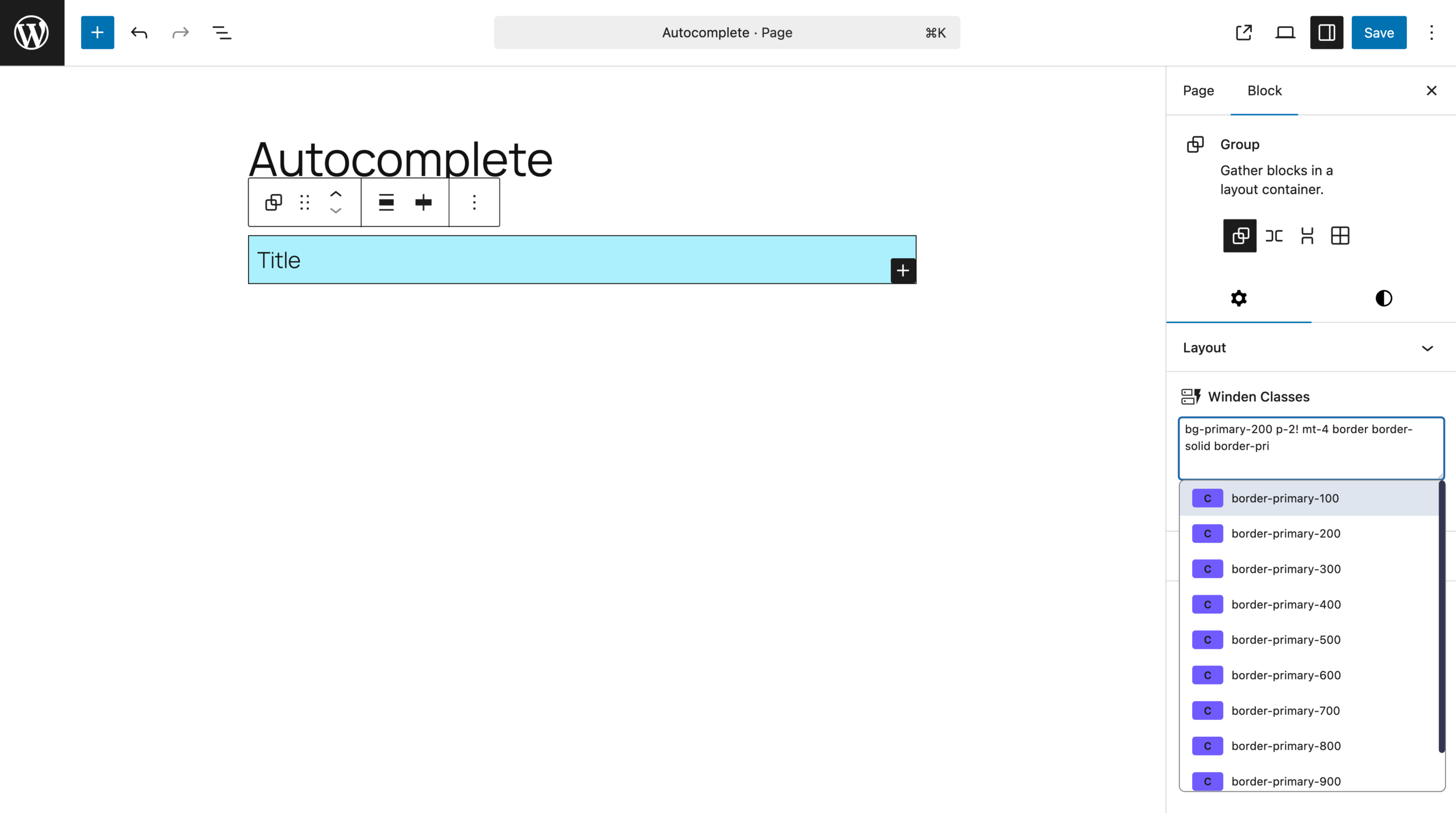
Gutenberg already stores class names as a text string, so we simply attach Winden to the same attribute. This allows seamless editing of utility classes directly inside native WordPress blocks without introducing separate systems.
Switching Between Builders (No Class Loss)
If you switch from Oxygen or Bricks, you may notice a separate class system or naming difference.
This does not mean you will lose any classes.
Instead:
- Your existing classes remain inside the builder’s native global class system
- Winden will no longer manage those specific classes
- You can continue managing them directly inside the visual builder
This ensures full backward compatibility and prevents data loss.
Winden for Gutenberg Is Now Available on WordPress.org 🎉
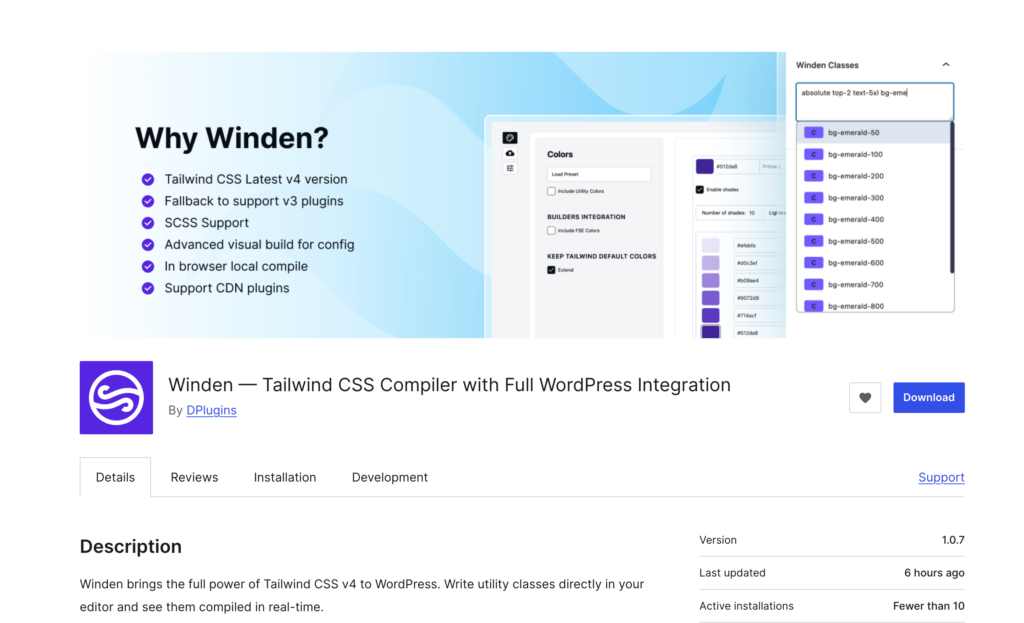
The second big update is that Winden for Gutenberg is now officially approved on WordPress.org and can be downloaded for free.
The free version includes:
- Full style config compilation
- Wizard system support
- Core utility generation
The only Pro feature not included is file scanning and class collection. For most users, this feature is not required, as the wizard and config-based workflow already covers the majority of use cases.
Why Gutenberg Version Is Free
We decided to release the Gutenberg version for free because we are preparing the “Gutenberg for Everyone” course.
Our goal is to make sure everyone can:
- Follow the course without restrictions
- Learn modern block development workflows
- Use Winden as part of their learning process
This approach helps us grow the ecosystem while keeping advanced features available for professional users who need them.


Leave a Reply