
Updates. Features, fixes & improvements.
-

Add a Custom Font in WordPress with Font Hero 2.0
Self-hosting your own font files in WordPress usually means writing @font-face rules by hand for every weight and style, and then keeping track of where each…
-

WOFF2 Only by Default: Font File Upload Options in Font Hero
When you self-host fonts in WordPress, it's easy to think you have to upload every format (WOFF2, WOFF, TTF) just to be safe. That means more files to manage…
-
System Fonts in WordPress with Font Hero: Zero Font Downloads
Even a well-optimized web font is still a file your visitors have to download before the text looks right. If your design doesn't need a specific typeface, you…
-
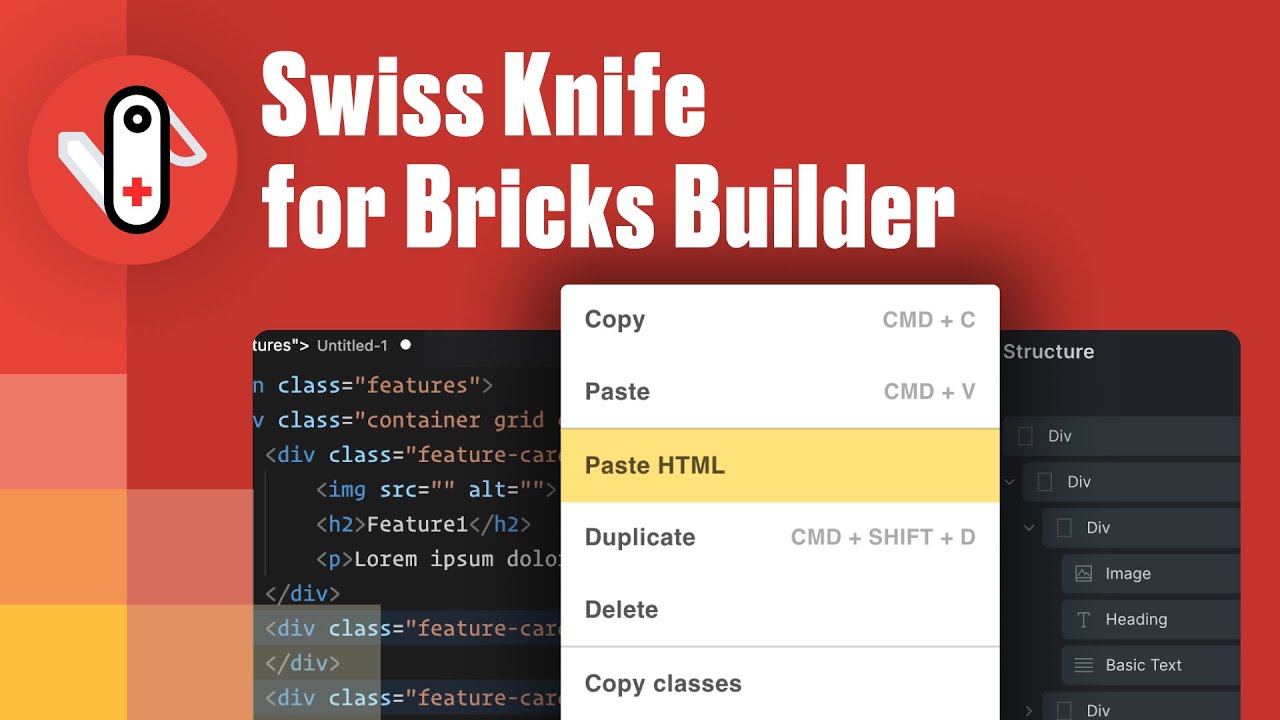
Swiss Knife for Bricks Builder: Paste HTML, Multi-Edit, Scripts
Building in Bricks Builder often means rebuilding HTML you already have by hand, styling the same elements one at a time, and loading scripts on every page…
-
ACF Blocks moving to JSON for much better performance.
Overview Since ACF 6.0, ACF Blocks are registered by using the standard native WordPress function, registerblocktype() which loads a block.json file containing…
-

Multiple files upload for Variable Fonts
Variable fonts are a new kind of font technology that allows for a single font file to contain multiple variations of a typeface, such as weight, width, and…
-
Scripts Organizer. Visual Studio Code editor inside WordPress
Monaco Editor WordPress Autocomplete for hooks and actions. With the latest release we shipped Autocomplete for all WordPress actions & filters &…
-
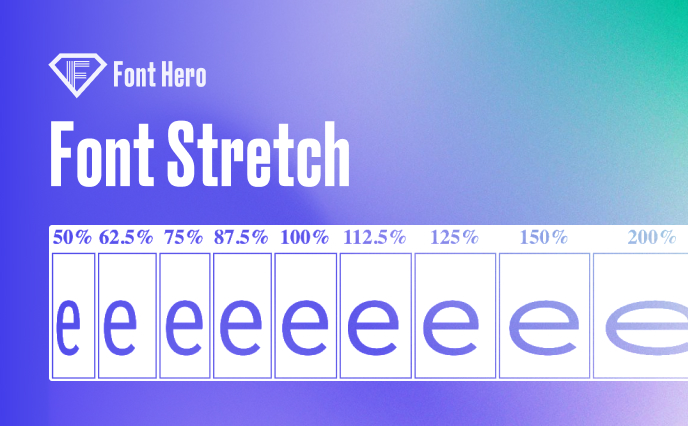
Font Hero Font Stretch Support
What is variable font A variable font is a single font file that contains multiple variations of a typeface, such as different widths, weights, or styles…
-
Gutenberg InnerBlocks in ACF Blocks: Less Code, Flexible Cards
Card blocks built with ACF work well until one card needs a quote and the next needs a YouTube video. Then you add a field for every case or reach for flexible…
-
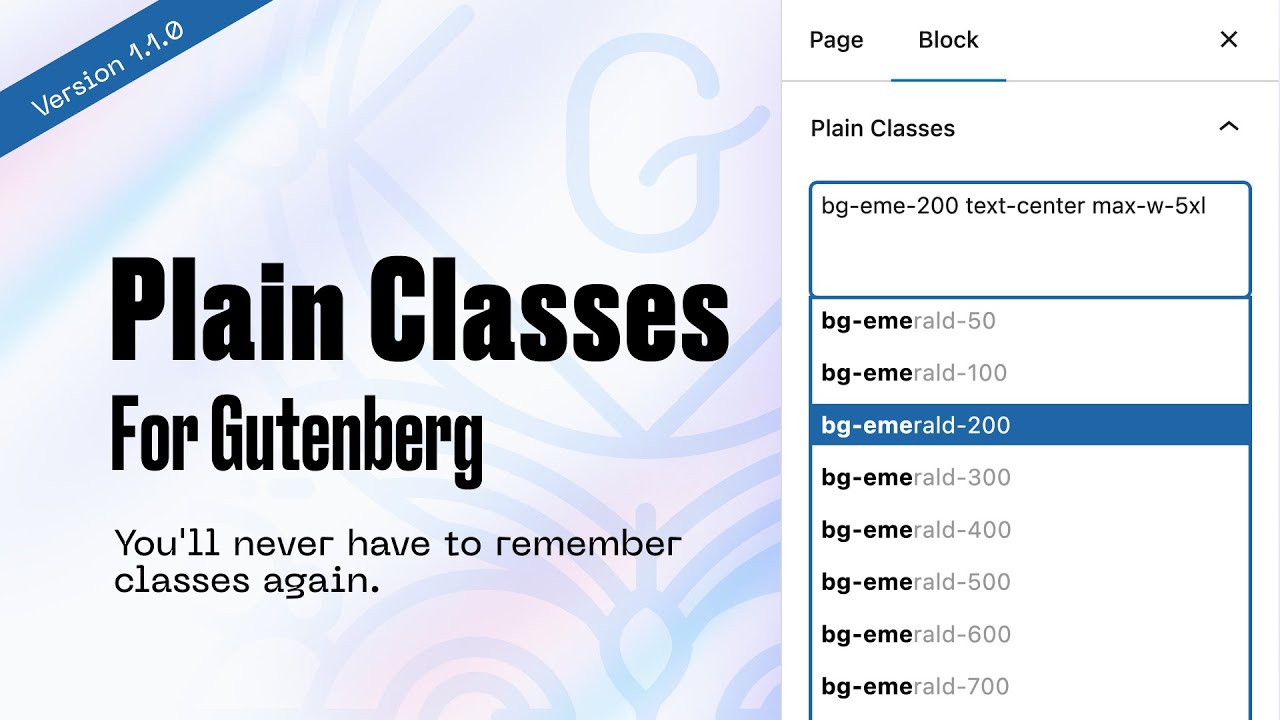
Plain Classes for Gutenberg 1.1.0: CSS Class Manager Walkthrough
Adding CSS classes in Gutenberg usually means opening Advanced, typing the class name from memory and hoping you spelled it right. Plain Classes for Gutenberg…