DevKit 3.0: Sync, Terminal and a new admin
DevKit 3.0 is out, and it's the biggest update so far: a rebuilt admin interface, a new Sync module, a terminal inside wp-admin, and a lot of work making the plugin faster and quieter in the background.
Sync between two sites
Sync copies the database, uploads, plugins and themes between two sites running DevKit. One site gives you a key, you paste it on the other, and then you pull or push.
- Pull production down to staging, or push a finished staging site live.
- Pick exactly what goes across: whole database tables, or only certain post types. Content is added and updated, never deleted, and the media it uses comes with it.
- URLs are rewritten to the receiving site, and a safety backup is taken before anything is replaced.
- It runs on the server, so you can close the tab and come back.
Terminal
A command line inside wp-admin, with WP-CLI included. It's useful on hosts that don't give you SSH. It is switched off on production sites unless you allow it in wp-config.php, so a stolen admin password can't turn your dashboard into a shell.
Reset keep lists
Choose which options, plugins, themes and users a reset leaves alone, right on the Reset screen. Keep your premium plugins' licence keys, your test users and your theme, and wipe everything else. Kept users come back with their own password and role.
New admin interface
Every module has been rebuilt with one consistent interface.
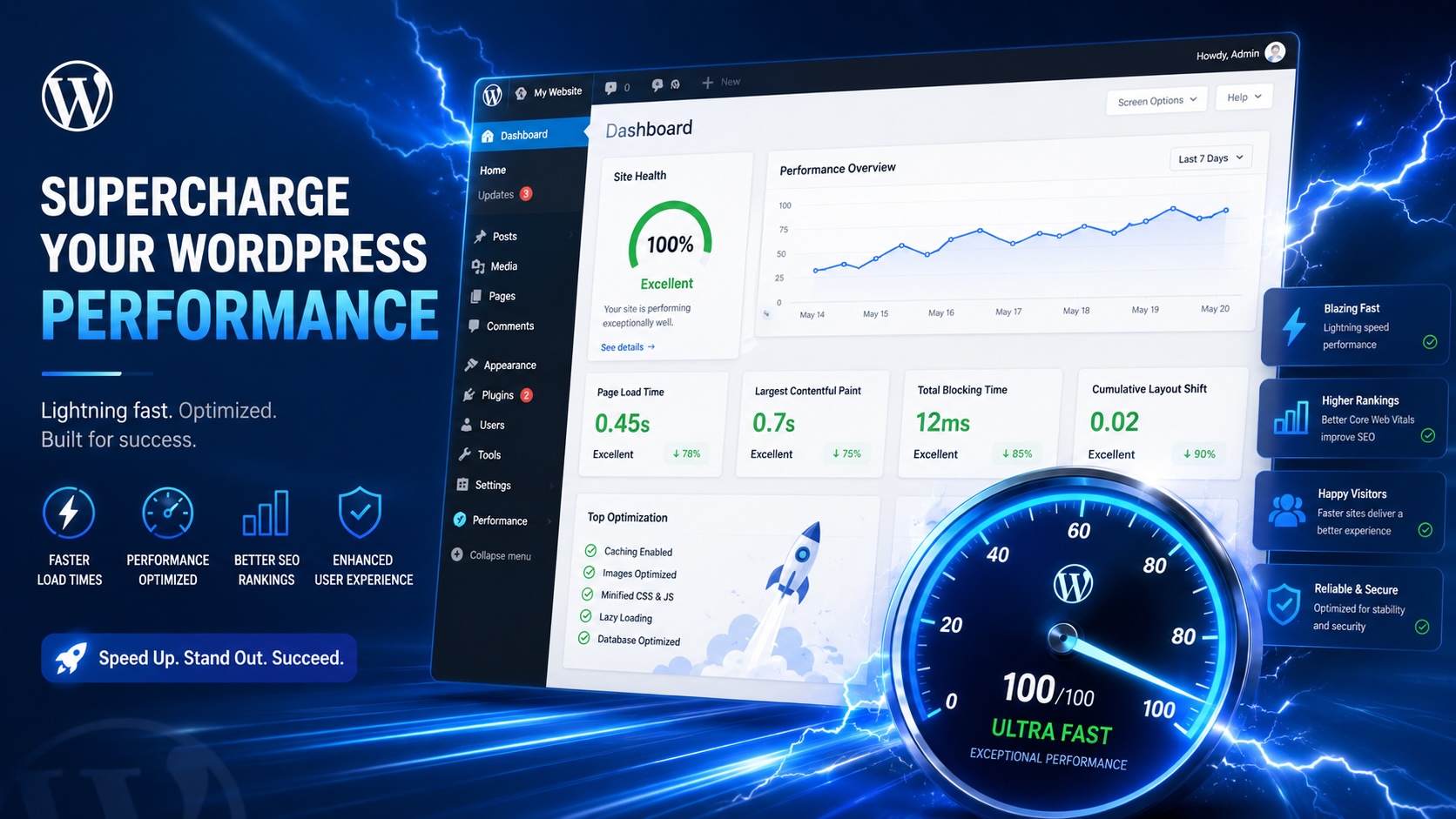
Faster and quieter
- Update checks are cached for 12 hours with a 3-second timeout. An unreachable update server can no longer stall wp-admin.
- Maintenance and cleanup run once a day on cron instead of on admin page loads.
- Country Block remembers failed geo lookups and skips rate-limited providers instead of waiting on them.
Fixes
- Restore and sync no longer fail on servers that store table names with different capitals.
- A kept
permalink_structureis no longer overwritten during a reset. - Deleting a parent theme no longer removes an active child theme.
- The bundled WP-CLI no longer picks a PHP binary that WP-CLI refuses to run.
Update
Go to Dashboard → Updates, or download 3.0 from your account. New to DevKit? See DevKit →