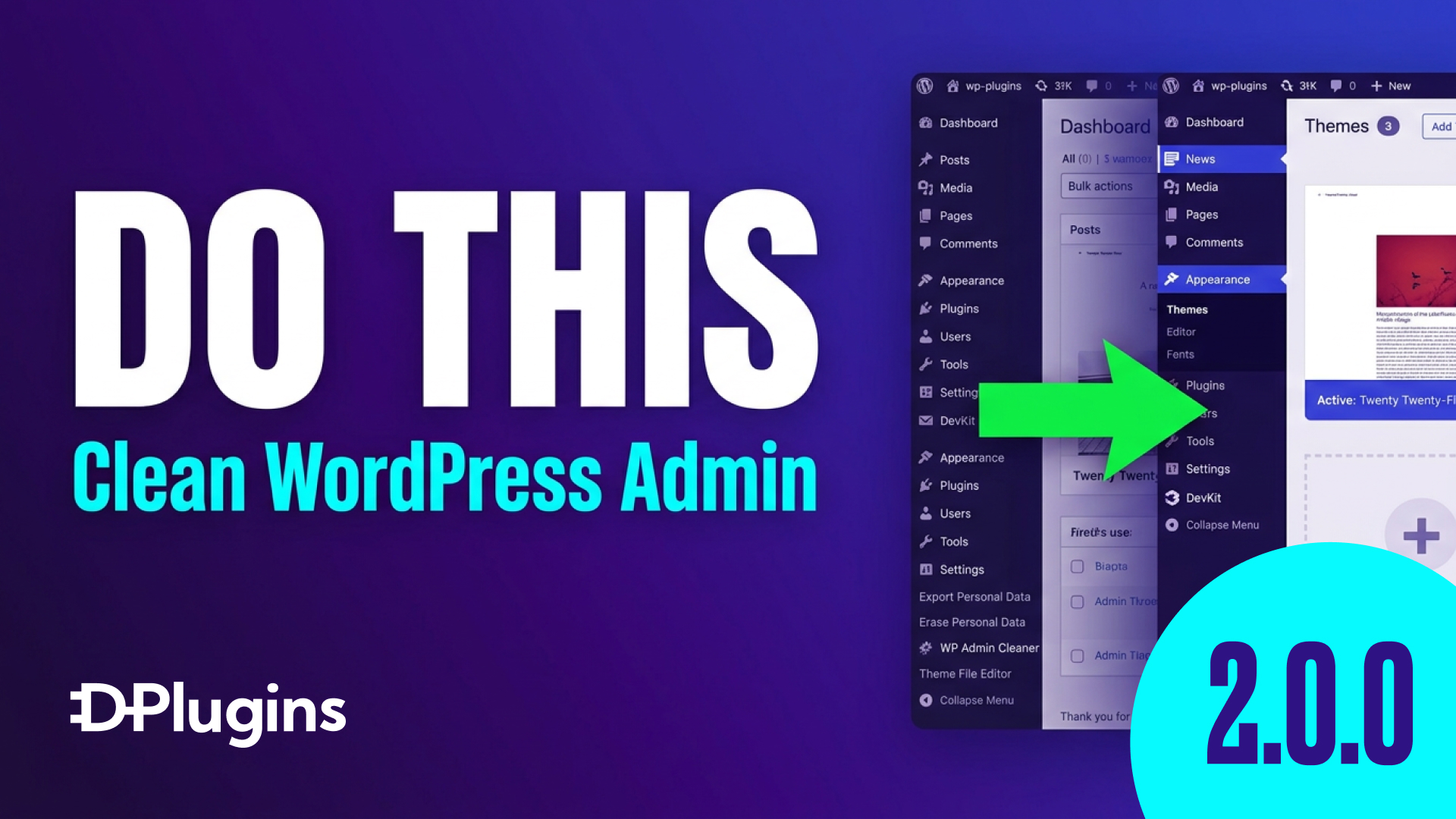
WordPress Admin Cleaner Gets Three Powerful New Features
Managing WordPress websites just got easier. The latest update to WordPress Admin Cleaner ships three new tools that give developers and agencies more control…

Managing WordPress websites just got easier. The latest update to WordPress Admin Cleaner ships three new tools that give developers and agencies more control…
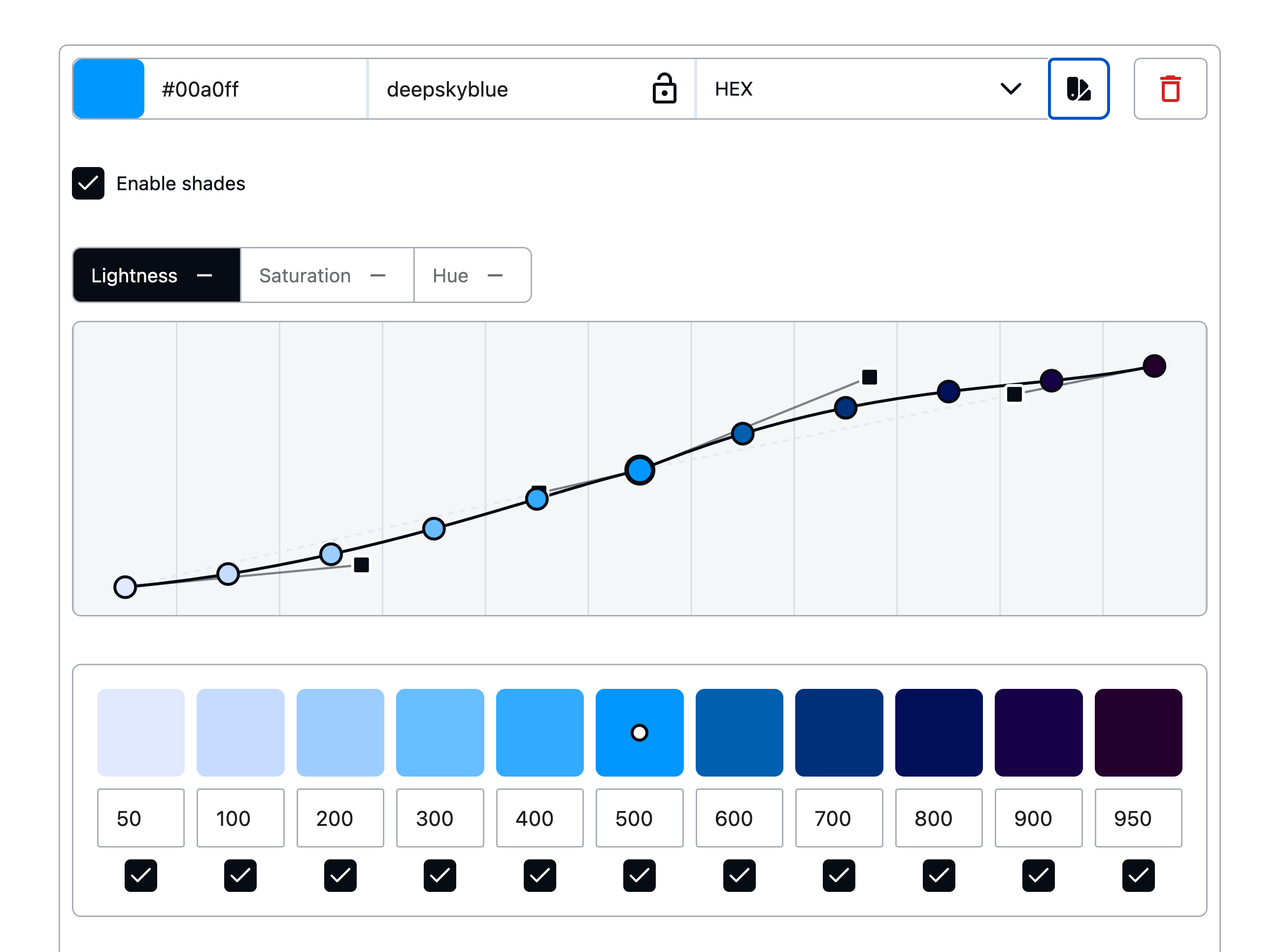
Winden's new Wizard: a friendlier front door to Tailwind in WordPress" date: 2026-05-26 slug: winden-wizard-release author: Marko Krstić tags: excerpt: "The…
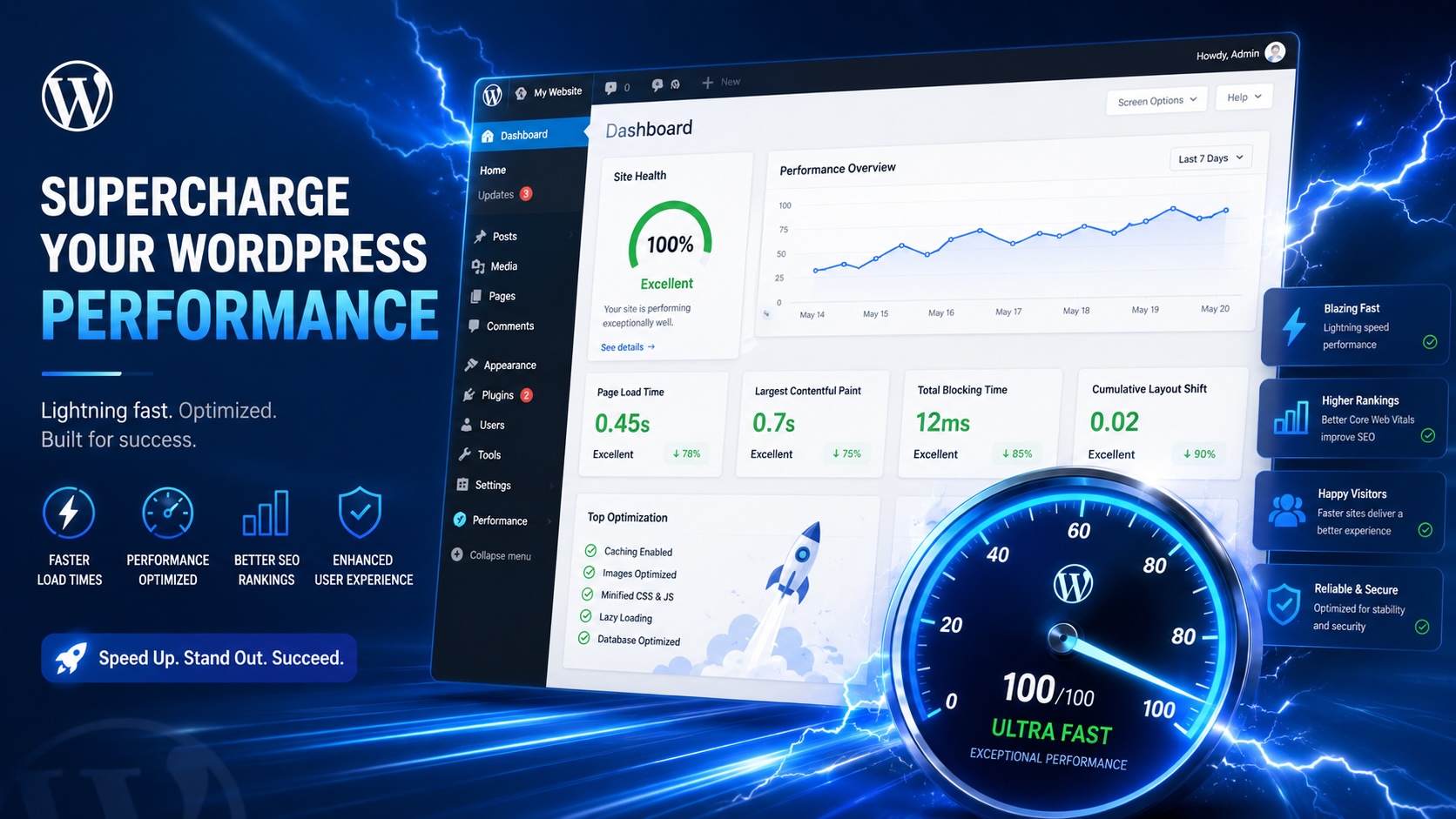
Performance Quick Scan: Find What’s Slowing Down Your WordPress Site WordPress performance issues can be frustrating and hard to diagnose. Is it your database?…
Stage 3 Progress: Visual Builder Class Bypassing As Winden progresses, we are now entering Stage 3, where we introduce bypassing for adding classes in some…

Performance We have split App pages into admin pages for much smaller code load. New pages: Editor Blocks Visiblity Manage Groups Export Import Ai Settings…

DevKit is designed to remove friction from everyday WordPress workflows. This release focuses on developer productivity, content management efficiency, and…
We’ve made an important decision: Winden is now open source for Gutenberg integration. The core Gutenberg + Tailwind workflow is available for everyone to use…
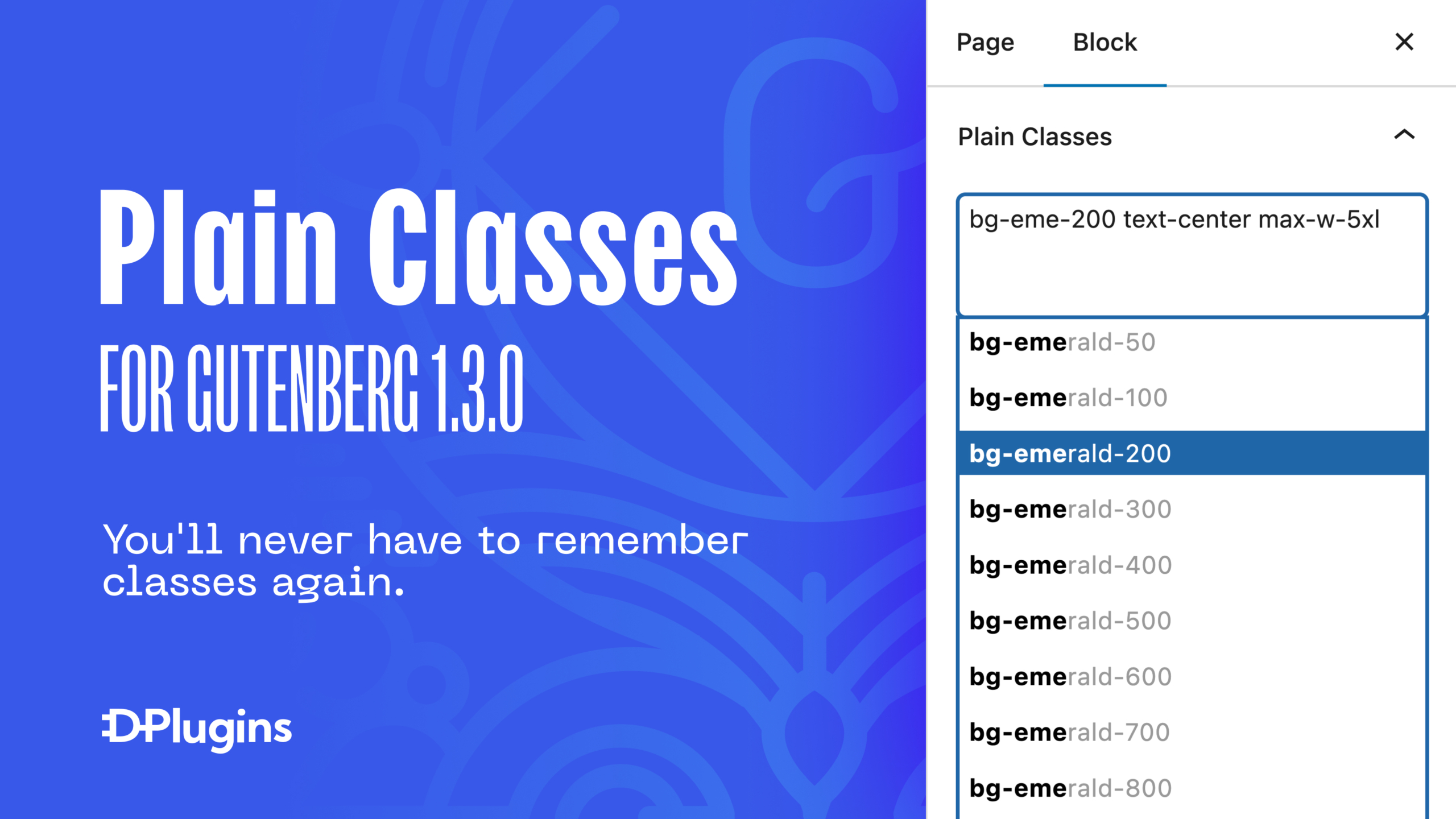
Easy class import and export Managing consistent design systems across projects? Plain Classes makes it ridiculously easy to import and export utility classes…

With Scripts Organizer you can now store your code snippets to the cloud.

We have expanded install options. Google Drive Most of the people keep their set of plugins on the cloud such as Google Drive. That is why we decided to make…